

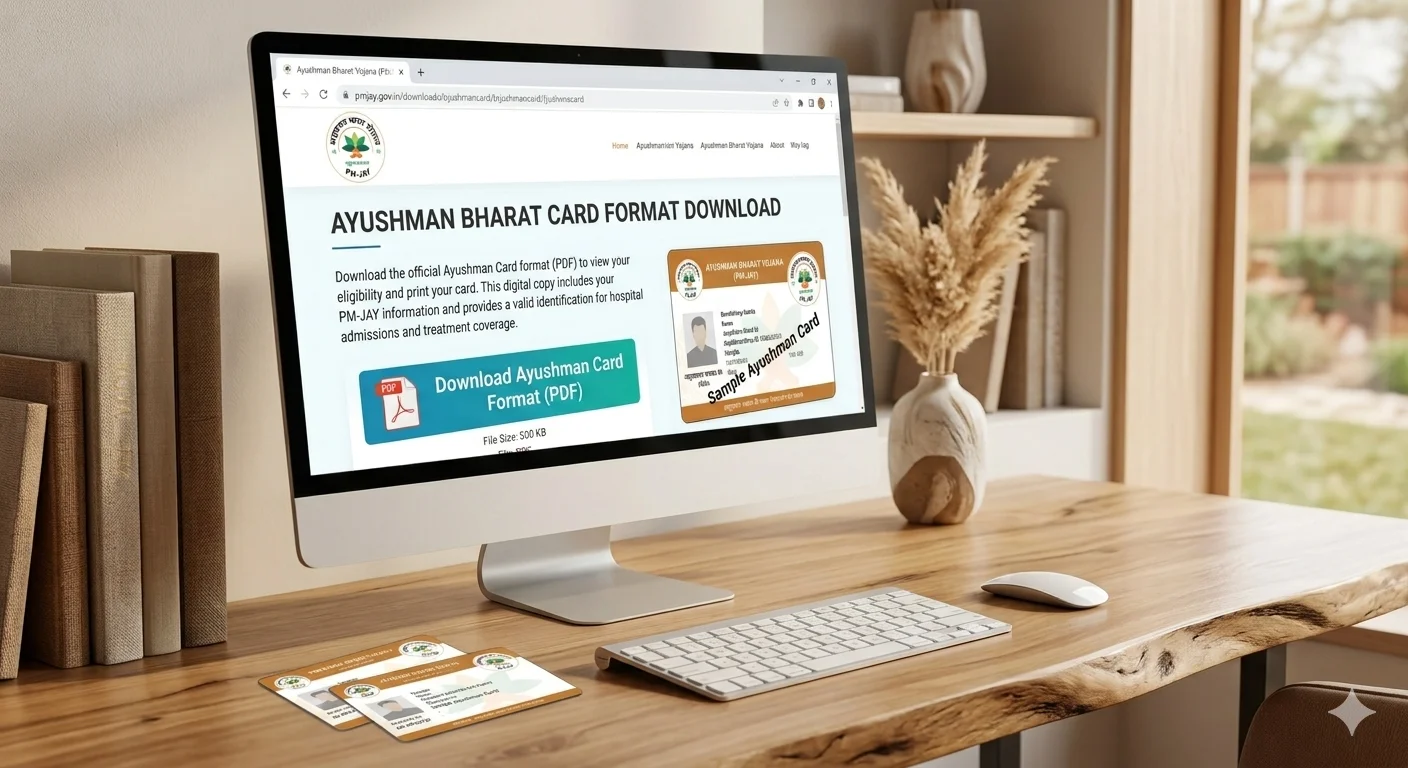
An official Ayushman Bharat PM-JAY card issued by the National Health Authority (NHA) arrives as a full-page A4 PDF document containing government banners, instructions, and verification codes. However, when visiting hospitals, carrying a full paper sheet is inconvenient and easily damaged. To carry your health card conveniently in your wallet, you need to understand the Ayushman card format PDF, standard PVC card dimensions, and how to format both front and back sides into a print-ready CR80 card layout.
| Specification | Official Standard Dimension | Notes & Usage |
|---|---|---|
| Card Format Standard | ISO/IEC 7810 ID-1 (CR80) | Standard ATM card, Driving Licence & Aadhaar PVC size |
| Dimensions (Millimetres) | 85.60 mm × 53.98 mm | Industry standard pocket wallet card size |
| Dimensions (Centimetres) | 8.56 cm × 5.40 cm | Used for manual trimming and ruler verification |
| Dimensions (Inches) | 3.370 in × 2.125 in | Used in desktop publishing (Photoshop/CorelDraw/Illustrator) |
| Pixel Resolution (300 DPI) | 1011 × 638 pixels | Recommended high-resolution setting for crisp text and barcodes |
| Corner Radius | 3.18 mm (1/8 inch) | Rounded corner radius for smooth handling |
What is the Official Ayushman Card PDF Format?
The Ayushman card (also referred to as the PM-JAY Golden Card) is an official health insurance credential provided under the Ayushman Bharat Pradhan Mantri Jan Arogya Yojana, administered by the National Health Authority (NHA). The card entitles eligible Indian families to cashless secondary and tertiary hospital treatment coverage up to ₹5 Lakh per year.
When you download your card from the official beneficiary portal, the file is delivered as a vector-rendered, secure PDF. The PDF consists of two primary card blocks on the page:
- Front Side: Displays the Government of India emblem, National Health Authority branding, the beneficiary's color photograph, full name, gender, year of birth, 14-digit ABHA (Ayushman Bharat Health Account) number, and PM-JAY ID.
- Back Side: Contains an encrypted QR code for offline hospital verification, beneficiary address details, emergency helpline numbers (14555), and key program terms in both English and regional languages.
Consumer Warning: Beware of Fake "Blank Ayushman Card Formats"
There is no legitimate blank or editable PDF template for an Ayushman card. Valid Ayushman cards are dynamically generated and digitally signed through the government database after biometric or Aadhaar OTP e-KYC. Never purchase or download editable "blank PSD" or "blank PDF" templates online, as presenting a forged or self-typed card is a legal violation under PM-JAY regulations.
How to Download Your Official Ayushman Card PDF Free
To prepare a card for printing, you must first obtain the official PDF directly from government servers. Follow these official steps:
- Visit the Official NHA Beneficiary Portal: Open your web browser and navigate to beneficiary.nha.gov.in (or open the official "Ayushman App" on Android).
- Select Beneficiary Mode: Choose the "Beneficiary" login option, enter your registered mobile number, and submit the 6-digit OTP received via SMS.
- Search Your Family Record: Select your State, Scheme (PMJAY), District, and Search Criteria (Aadhaar Number, Family ID, or Ration Card Number).
- Authenticate via e-KYC: Once your family member list appears, click on the Download Card icon next to the verified beneficiary. Complete Aadhaar OTP authentication.
- Save the PDF: The high-resolution official PDF will be downloaded to your smartphone or computer storage.
How to Format Ayushman Card Front and Back for PVC Card Printing
The downloaded PDF contains wide margins, header notices, and both sides separated on a single large sheet. In the past, Common Service Center (CSC) operators and print shops had to manually open Adobe Photoshop, create custom 300 DPI canvas layers, use marquee selection tools, and manually line up the front and back.
You can now format your card instantly in any web browser using PixDok's automated formatting tool:
- Open the Tool: Navigate to the free PixDok Ayushman Card to PVC Converter.
- Upload the Official PDF: Drag and drop your downloaded Ayushman Bharat PDF into the secure upload area. PixDok processes the file in memory, keeping your personal health records completely private.
- Automatic Side Separation: PixDok's document detection algorithm identifies the front identification card and the rear QR verification block, automatically cropping both into clean, symmetrical ID-1 rectangles.
- Adjust and Fine-Tune (Optional): If your state uses a customized regional layout, use PixDok's precision sliders to tweak horizontal and vertical offsets in real time.
- Download Print-Ready Layout: Choose whether you are printing directly to a standard A4 sheet (with front and back positioned side-by-side with fold/cut guides) or exporting individual 300 DPI PNG cards for a dedicated PVC card tray.
Format Your Ayushman Card Now
No Photoshop actions, no software installation, and 100% private in-browser conversion.
Open Ayushman Card PVC Tool →Best Printing Methods: Direct PVC vs. Photo Paper Lamination
Depending on your equipment, you can choose between two popular printing techniques:
Method 1: Inkjet PVC Card Tray (Epson L805 / L8050)
If you operate a cyber cafe or CSC center with an inkjet printer supporting ID card trays:
- Use inkjet-printable PVC cards (CR80 standard).
- Load the card into Tray Slot 1 and Slot 2.
- Set the printer driver paper type to "Inkjet Card" or "Ultra Glossy" with "High" print quality.
- Print at 100% Actual Size (never select "Fit to Printable Area", which will shrink the card dimensions).
Method 2: 250+ GSM Glossy Paper with Thermal Pouch Lamination
If you do not have a dedicated card printer, this is the most common and cost-effective approach for home and office users:
- Download PixDok's print layout, which positions the front and back side-by-side with a central fold line.
- Print the layout onto 250 GSM or 300 GSM high-gloss photo paper using standard color print settings.
- Cut along the outer guide markers using a paper trimmer or precision scissors.
- Fold the card along the center line so the front and back face outward.
- Insert into an 80-micron or 125-micron thermal lamination pouch and pass through a heated lamination machine at 110°C–130°C.
Frequently Asked Questions
The standard print size for an Ayushman Bharat card is the international CR80 / ID-1 standard: 85.60 mm × 53.98 mm (approx. 3.37 × 2.125 inches). At 300 DPI resolution, the printable pixel canvas is 1011 × 638 pixels.
No. There is no legitimate "blank" Ayushman card format. Valid Ayushman cards are digitally generated by the National Health Authority with unique beneficiary verification, encrypted QR codes, and government security seals. Any website selling blank templates is unauthorized.
You can use PixDok's free Ayushman Card PVC tool. Upload your official downloaded PDF, and the tool will automatically crop the front and back sections, placing them side-by-side with alignment markers ready for direct printing on an A4 sheet or PVC tray.
A clean printout on paper or laminated sheet is 100% legally valid at all empanelled hospitals under PM-JAY guidelines, provided the QR code and PM-JAY ID are clearly legible. Printing on plastic PVC is optional and done purely for water resistance and durability.
Blur occurs when cards are cropped via low-resolution mobile phone screenshots (72 DPI) or printed with the "Fit to Page" setting enabled. To get crisp text and scan-ready barcodes, download the original vector PDF from the NHA portal and print at 100% scale with a 300 DPI layout tool.
Related Health & Identity Document Tools
PixDok provides specialized online converters for all major Indian national identity and healthcare cards:
- Ayushman Card to PVC Maker – Convert PM-JAY PDF to printable card.
- ABHA Health Card to PVC – Format your Ayushman Bharat Digital Mission (ABDM) account card.
- Aadhaar Card PDF to PVC – Convert password-protected e-Aadhaar PDFs to pocket size.
- PAN Card PDF to PVC – Auto-crop NSDL and UTI e-PAN PDFs for wallet cards.
- Voter ID Card to PVC – Prepare election identity slips for plastic card printing.