
- All Tools From this to this
in seconds!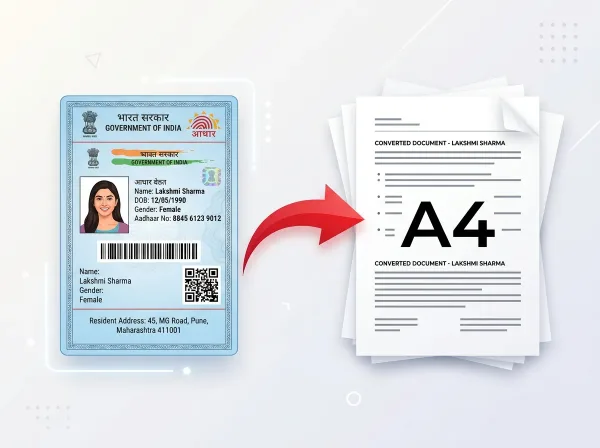 Try It NowReady to Print on A4Preserve Original SizeClean & Clear Output
- PDF Tools
- Card Tools
- Image Tools
- Convert Tools
- QR Tools
Merge PDF Files
Online Free
Combine multiple PDF documents into a single file within seconds. Drag and drop to arrange the order, then merge and download instantly.
- No Sign Up Required
- Works on All Devices
- Your Files are Secure & Private
Files are encrypted and auto-deleted after processing
Powerful Features
Everything you need, right in your browser.
Unlimited PDFs
Merge as many PDF files as you need in a single batch operation.
Rearrange Pages
Drag and drop to reorder documents before merging them together.
Drag & Drop
Simple drag and drop interface for adding and organizing files.
PDF Previews
See page count and thumbnail previews before merging.
100% Secure
Files are encrypted and automatically deleted after processing.
Browser Based
No software installation needed — works directly in your browser.
Always Free
No watermarks, no file limits, completely free to use.
Lightning Fast
Merge PDFs in seconds regardless of the number of files.
How to Merge PDF Online
Complete in 3 simple steps — no software download required.
Upload PDFs
Select or drag multiple PDF files into the workspace.
Arrange Order
Drag files to set the exact merge sequence you want.
Merge
Click merge and we combine all files into one PDF.
Auto Delete
Merged files are deleted from servers after download.
See It in Action
Our intuitive interface makes it effortless to merge pdf online. No learning curve required.
- Browser-based processing
- No software to install
- Works on any device
- Files auto-deleted after use
Why Use PixDok Merge PDF?
Built for reliability, speed, and privacy — zero compromises.
Fast & Easy
- Upload in seconds
- Instant processing
- One-click download
- No queue or waiting
Secure & Private
- Secure HTTPS connection
- Files auto-deleted
- No data stored
- Privacy-first design
Works Everywhere
- Windows, Mac & Linux
- iOS & Android ready
- All modern browsers
- No software needed
Your Privacy Comes First
We process your files securely in-memory. Files are automatically deleted after every session — we never store or sell your data.
Secure Connection
Side Processing
Installation Needed
File Deletion
How to Combine Multiple PDFs into One Clean File with PixDok
Why PixDok is the Easiest Way to Merge PDF Files
Whether you are combining monthly invoices into a single accounting file, assembling a multi-page job application, or organizing study notes for an exam, combining documents should be effortless. Many online tools place limits on how many files you can combine or demand payment before allowing a download. PixDok is completely free, requires no signup, and allows you to merge dozens of PDF files in one smooth operation. You can reorder pages with simple drag-and-drop controls, ensuring your combined file appears in the exact order you want.
Perfect for Work, School, and Everyday Document Tasks
Scattered PDF files create clutter and confusion. Sending five separate email attachments looks unprofessional and risks files getting lost or opened out of order. With PixDok, you can combine your cover letter, resume, and recommendation letters into a single polished portfolio. Students can merge class assignments and research sources into one clean submission document. Businesses can assemble contracts, addendums, and signature pages together. Whatever your project, merging PDFs into a single file makes sharing, emailing, and archiving easier for everyone.
Keeps Original Quality, Formatting, and Page Layouts
A major problem with substandard converters is that they often degrade image quality, distort page orientations, or strip out document bookmarks. PixDok uses lossless page combination. Every vector font, table, graphic, photo, and signature stays 100% crisp. Furthermore, if you combine documents with different orientations—such as a horizontal financial spreadsheet mixed with vertical legal agreements—PixDok preserves each individual page's orientation and dimensions automatically, so nothing gets cut off or awkwardly stretched.
Works on Phones, Laptops & Every Browser with Complete Privacy
You do not need to install heavy desktop software like Adobe Acrobat to merge your files. PixDok runs seamlessly inside modern web browsers across Windows, Mac, Linux, iPhone, and Android. Your documents are uploaded over secure, encrypted HTTPS connections, processed in private memory, and permanently deleted from our servers within 30 minutes. We never store, inspect, or retain your files, giving you total confidentiality for contracts, financial records, and personal paperwork.
Frequently Asked Questions
Latest Articles & Guides
Helpful tips, tutorials, and best practices from the PixDok team
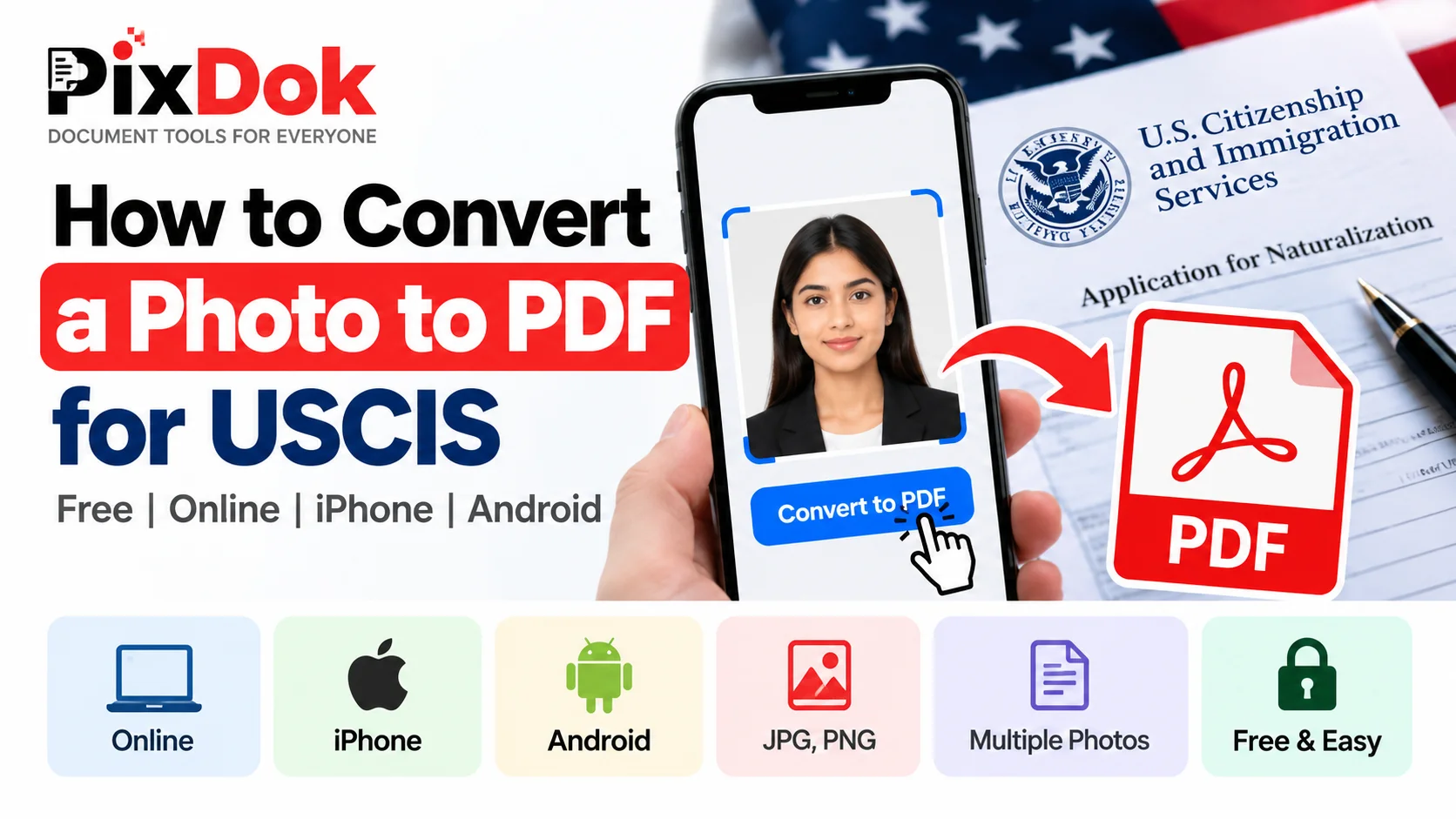
How to Convert a Photo to PDF for USCIS Free on Phone or Computer
Convert photos and mobile scans into USCIS-compliant PDF files for free on iPhone, Android, Windows, and Mac with exact size standards.

How to Convert HEIC to JPG Online Free (iPhone Photos)
Learn the easiest ways to convert iPhone HEIC photos to standard JPG format online for free without losing image quality.
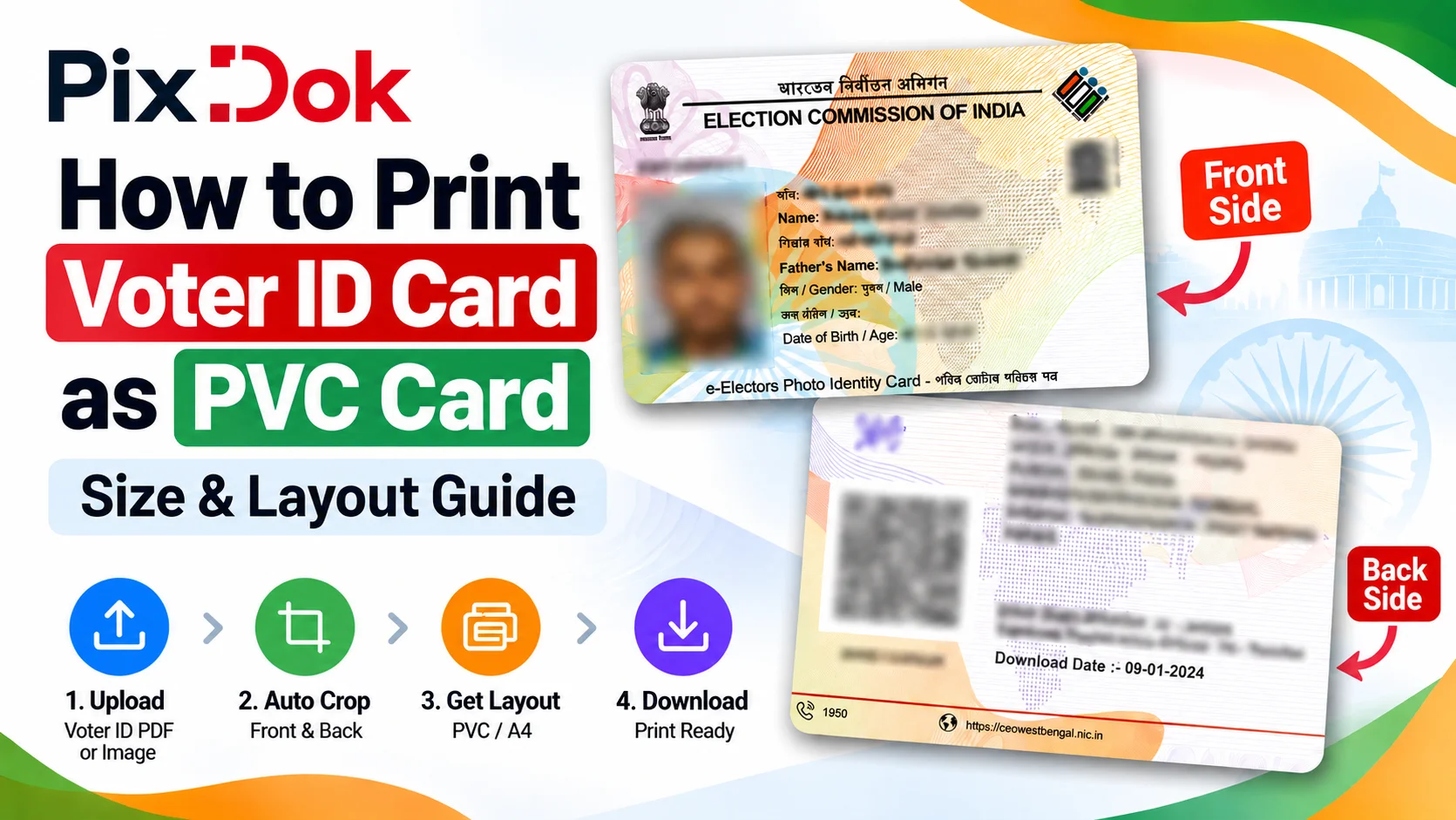
How to Print Voter ID Card as PVC Card: Size & Layout Guide
Step-by-step guide to crop, resize, and prepare your Voter ID card PDF for high-quality standard CR80 PVC card printing on A4 sheets.
Digital document operations comply with ISO 32000 specification standards for Portable Document Format architectures, maintaining cryptographic integrity and structural stream validity without unauthorized remote retention.— ISO 32000-1 Document Management Standards & PixDok Security Protocol