

-
All Tools
From this to this
in seconds!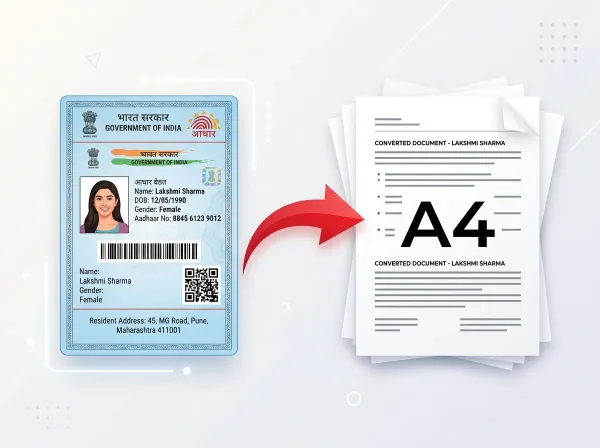 Try It NowReady to Print on A4Preserve Original SizeClean & Clear Output
 - PDF Tools
- Card Tools
- Image Tools
- Convert Tools
- QR Tools
- Blog
Free Online
PDF, Image &
Document Tools
Simple Tools for
Real People
PixDok is a practical browser-based utility platform designed for everyday file tasks. Easily edit and merge PDFs, resize and compress images, prepare official-size passport photos, convert file formats, create custom QR codes, and format documents for crisp printing — all in your browser without installing desktop software.
Practical browser-based tools for everyday PDF tasks, image resizing, passport photos, document preparation, file conversions, and QR codes.


Popular Tools
View all toolsPDF Editor
Edit text, images and pages
Compress PDF
Reduce PDF size without losing quality
Merge PDF
Combine multiple PDF files
Split PDF
Extract pages from PDF easily
Image to PDF
Convert images to PDF
Document Fixer
Fix & print documents on A4
Remove Background
AI background remover
AI Photo Enhancer
Enhance and improve image quality
Passport Photos
Create passport-size photos
Image Cropper
Crop JPG, PNG & WebP images
US Visa Photo
2×2 in (51×51 mm) & DS-160 biometric visa photo
Image Compressor
Compress images in seconds
HEIC to JPG
Convert Apple HEIC to JPG
PDF OCR
Extract text from scanned PDFs
QR Code Generator
Generate custom QR codes
Barcode Generator
Generate custom barcodes
What is PixDok?
A practical online toolkit designed to make common document, image, and PDF tasks straightforward for everyone.
PixDok is a browser-based collection of practical tools for working with PDFs, images, documents, and QR codes. It is built for everyday users, students, job applicants, and small business operators who need to get routine document tasks done without installing specialized desktop software or paying for expensive software licenses.
Instead of struggling with complicated graphic design suites or disjointed single-purpose websites, PixDok provides a unified toolkit for common file workflows. You can prepare files for online job and college applications, resize and crop images, compress bloated documents to meet strict upload limits, convert files between formats (like HEIC to JPG or Images to PDF), prepare standard passport photos and US Visa 2×2 biometric photos, format printable card layouts, and generate customized QR codes for business or personal use.
PixDok is designed to make common document and image tasks easier without requiring specialized desktop software. Everything runs directly in your web browser across desktops, laptops, tablets, and smartphones—delivering fast, dependable results while respecting user privacy.
Real-World Tasks You Can Do With PixDok
PixDok is built around practical user workflows, helping you complete multi-step file tasks quickly without complicated graphics software.
Prepare Files for Online Applications
Many online recruitment portals, college admissions, competitive exams, and visa platforms enforce strict upload rules: specific file formats (PDF or JPG), exact pixel dimensions, and tight file size limits (often under 50 KB, 100 KB, or 200 KB). PixDok's image and PDF tools help you prepare those files to exact portal specifications. Crop photo and signature scans cleanly with our Image Cropper, adjust exact pixel width and height with Image Resizer, shrink picture file weights with Image Compressor, or reduce large application documents with PDF Compressor so your files upload without server rejection.
Work With & Organize PDFs
Everyday document handling frequently involves managing multi-page PDF files. PixDok lets you handle common PDF tasks directly in your browser: merge multiple certificate or invoice scans into a single organized file with Merge PDF, extract specific pages with Split PDF, reduce large document sizes for email sharing with Compress PDF, convert captured photo snapshots into clean PDF files with Image to PDF, make direct text annotations with our PDF Editor, unlock encrypted files with Unlock PDF, or verify document integrity and digital certificate validity with our Signature Verifier.
Prepare Photos & Images
From profile pictures to official identity photos, PixDok provides dedicated image utilities to adjust, clean up, and optimize pictures. Isolate portrait subjects with automatic AI Background Removal, crop images to standard aspect ratios with Image Cropper, resize dimensions with Image Resizer, shrink file sizes with Image Compressor, convert modern iPhone photos with HEIC to JPG, format 2x2 inch biometric visa photos with the US Visa Photo Maker, and generate compliant 35×45mm passport and visa photo sheets ready for printing with the Passport Photo Maker.
Prepare Documents for Printing
Formatting digital documents for physical printing can be time-consuming. PixDok provides practical document preparation workflows: align front and back sides of user-provided e-cards into standard wallet dimensions (85.6×54mm), generate multi-up passport photo sheets on 4×6 photo paper or A4 sheets, and straighten tilted mobile snapshots with our Document Fixer. These tools help cyber cafes, CSC centres, and home users print clean, properly aligned copies on the first pass. (Note: PixDok provides document preparation and formatting tools for user-owned files; it does not issue official government documents.)
Passport Photo Maker in Action
See how PixDok automatically removes backgrounds, resizes photos to official passport specifications, and creates print-ready passport photos in seconds.
Explore By Category
Why Choose PixDok?
Designed around practical utility, privacy awareness, and everyday user needs.
Browser Based
Runs directly in modern browsers without desktop software downloads or plugins.
Privacy Focused
Client-side tools run in-browser; server-processed files are auto-deleted within 30 min.
Practical Tools
Tailored for routine form submissions, photo sizing, document printing, and file compression.
Mobile Ready
Responsive layout designed for smooth operation across smartphones, tablets, and PCs.
All-in-One
PDF, image, document preparation, and QR utilities unified in one accessible platform.
Free Access
Core everyday tools are free to use without requiring paid subscriptions or credit cards.
How It Works
Upload File
Choose your file or drag & drop it
Choose Tool
Select the tool you want to use
Download Result
Get your file instantly. That's it!
Document & Card Tools for Everyday Printing
Helping individuals, digital service operators (VLEs), cyber cafes, and print shops prepare user-supplied documents and card PDFs for crisp, accurately aligned physical printing.
Designed for Print Operators & Service Points
Operating a Common Service Centre (CSC), cyber cafe, or local printing kiosk involves continuous document preparation: customers frequently walk in with electronic PDFs or camera snapshots needing physical copies. Instead of manually cutting, measuring, or wrestling with heavyweight photo editing software, PixDok streamlines routine service counter tasks:
- Instant Passport Photo Sheets: Create clean 35×45mm passport photos arranged 8-up or 12-up on 4×6 inch or A4 photo sheets.
- Card Sizing (85.6×54mm): Crop front and back sides of user-supplied e-documents into exact standard PVC card dimensions.
- Document Correction: Straighten crooked document scans and normalize contrast using our Document Fixer.
- File Size Optimization: Compress heavy scanner PDFs to under 200 KB for portal submission without quality degradation.
Privacy-First & Client-Side Document Handling
Personal identity cards and official documents carry sensitive private information. PixDok's document croppers and card preparation tools are engineered to execute client-side processing within the local web browser session wherever possible. When advanced server processing is utilized, all transmissions are secured via TLS/SSL encryption and files are automatically purged after 30 minutes.
Client-side processing guarantees that sensitive government identity records, photo biometrics, and credentials remain private within the user's browser, eliminating unauthorized remote storage.— PixDok Security & Data Privacy Architecture Guidelines
Explore Document Preparation Utilities
Practical Tutorials & Walkthroughs
Step-by-step guides covering card printing, document formatting, image compression, and file preparation.
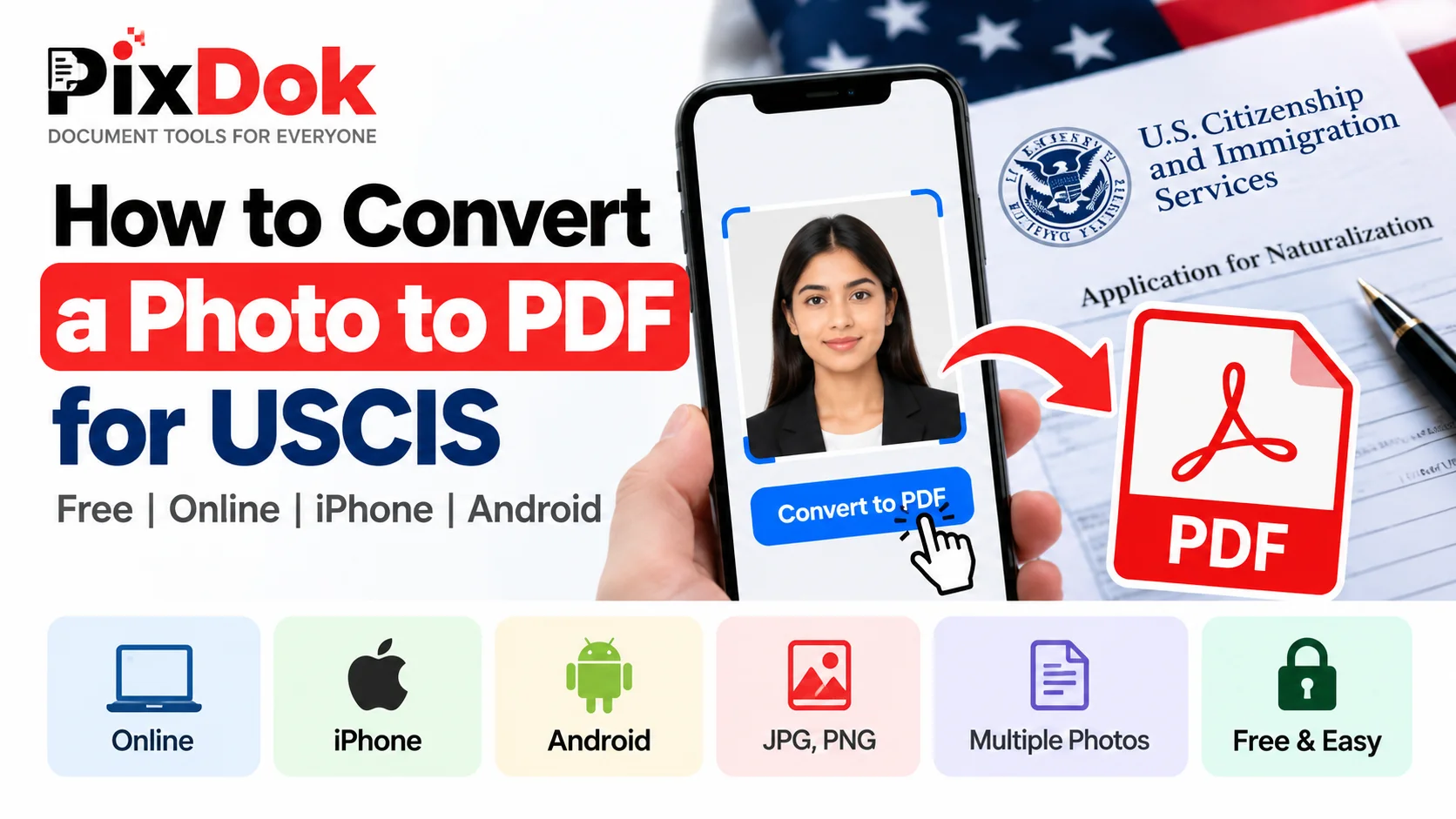
How to Convert a Photo to PDF for USCIS Free on Phone or Computer
Step-by-step guide to converting photos, document snapshots, and mobile scans into official USCIS-compliant PDF files for free on iPhone, Android, Windows, and Mac.
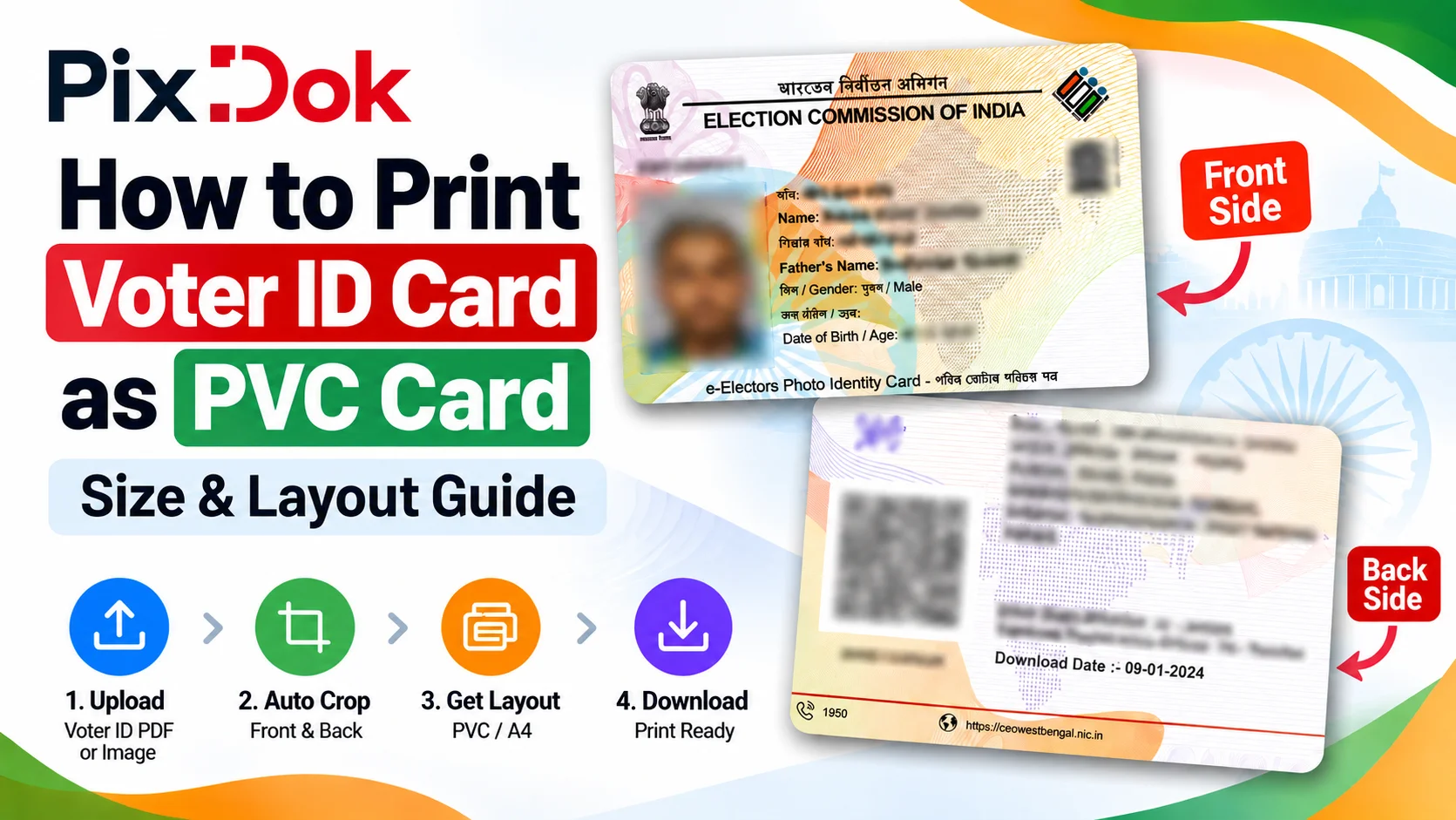
How to Print Voter ID Card as PVC Card: Size & Layout Guide
A comprehensive layout guide detailing Voter ID card dimensions, pixel resolutions, and multi-up A4 sheet printing instructions for home and cyber cafe printers.
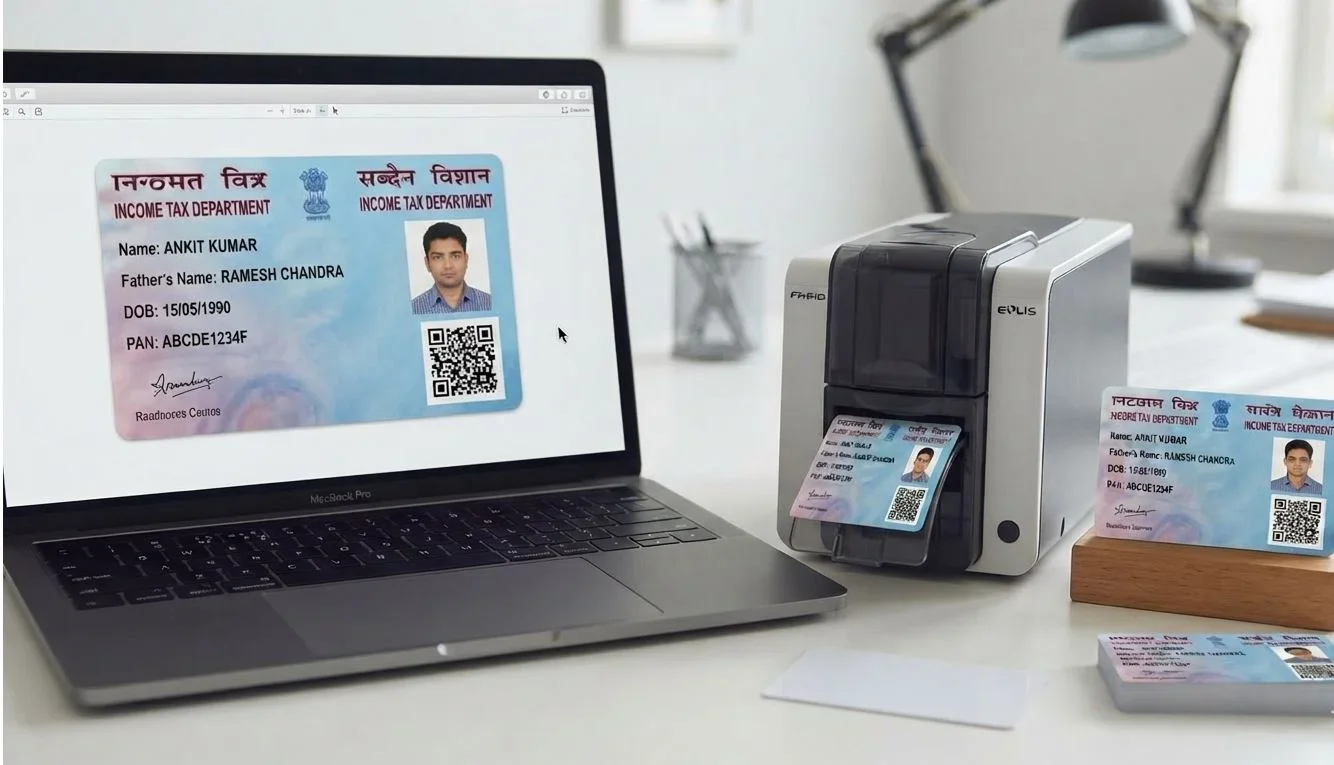
PAN Card PDF to PVC Card: Crop, Resize & Print Layout Maker
Step-by-step instructions to convert NSDL, UTI, and instant e-PAN PDF documents into high-resolution printable card layouts without image distortion.
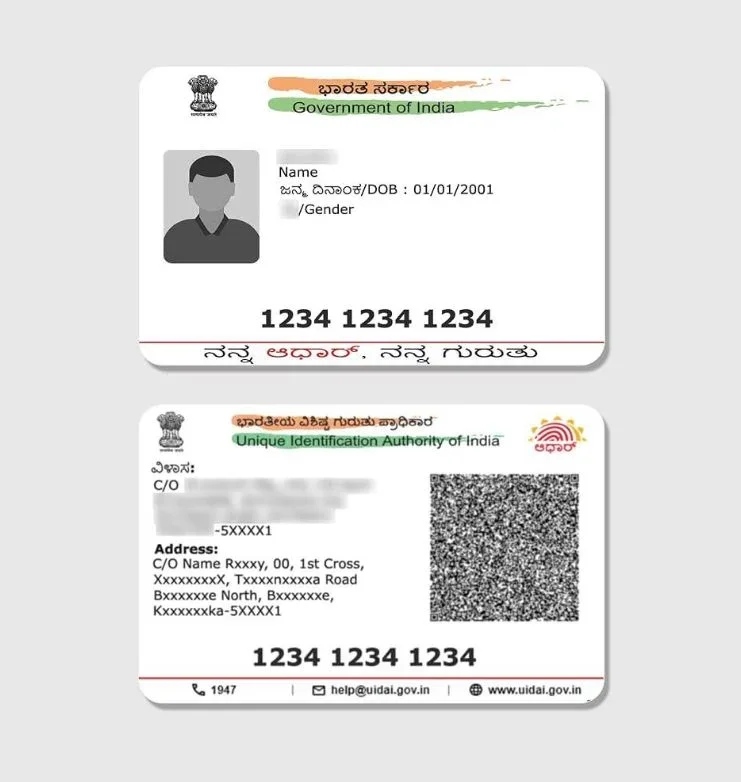
Aadhaar PDF to PVC Card: Crop, Resize & Print Layout Maker
Learn how to extract and crop front and back sides of an e-Aadhaar PDF into exact 85.6×54mm dimensions for PVC thermal printing or laminated cards.
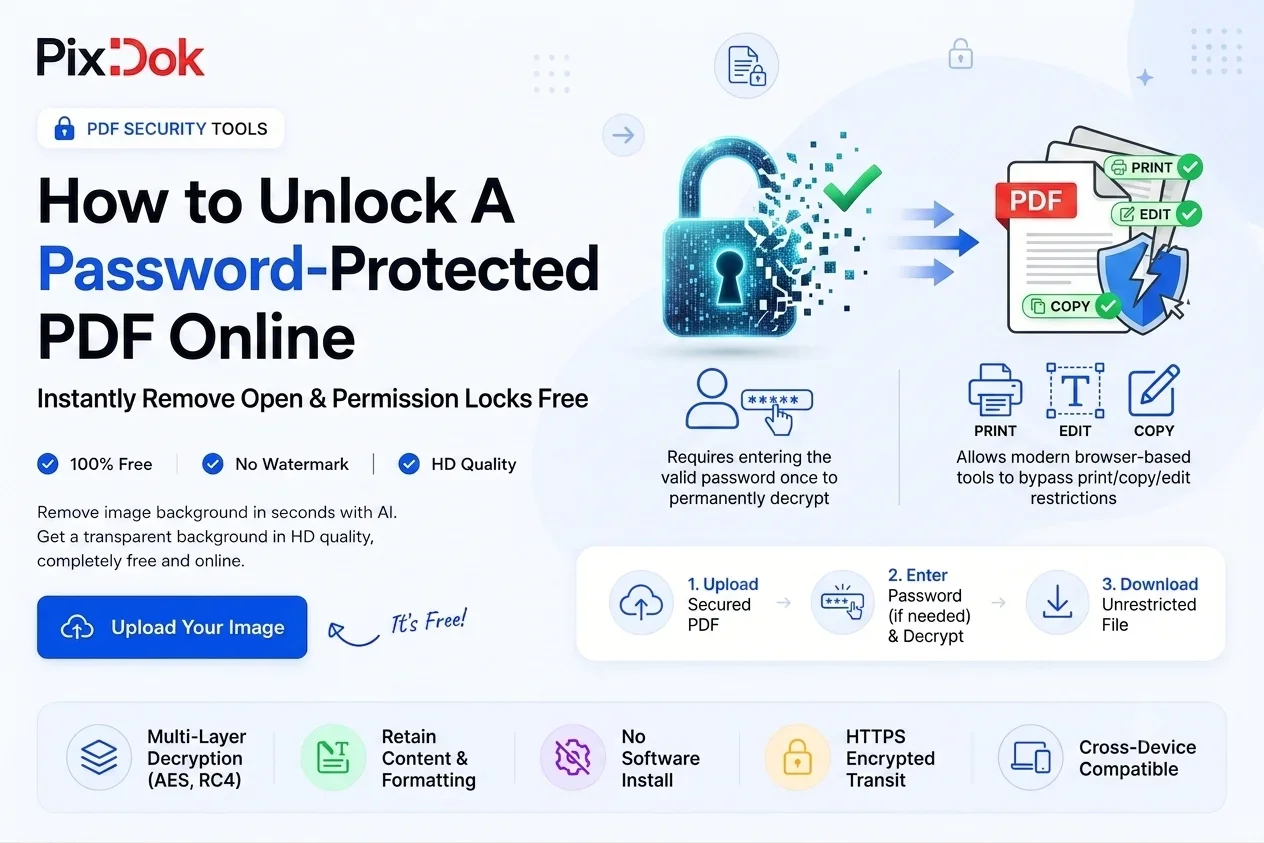
How to Unlock a Password-Protected PDF Online (2026 Guide)
Learn how to remove known passwords from electronic statements, payslips, and invoices for hassle-free archiving, printing, and sharing.
How to Convert HEIC to JPG Online Free (iPhone Photos)
Easily convert Apple iPhone HEIC pictures to widely supported JPG format for job application uploads, Windows PC viewing, and online submissions.
Frequently Asked Questions
Find clear answers about PixDok utilities, browser compatibility, file privacy, and document preparation.

Ready to power up your productivity?
Fast, free, and privacy-focused document tools right in your browser.