
- All Tools From this to this
in seconds!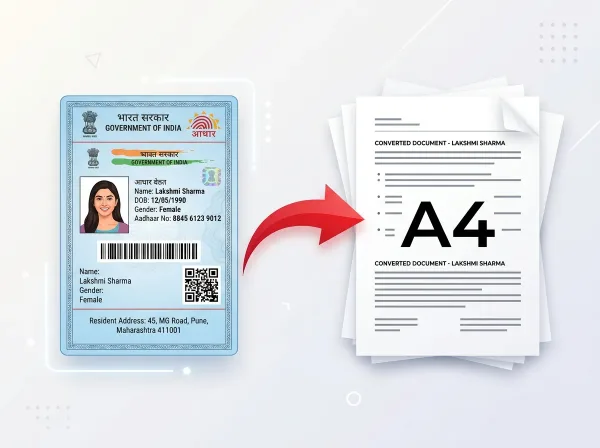 Try It NowReady to Print on A4Preserve Original SizeClean & Clear Output
- PDF Tools
- Card Tools
- Image Tools
- Convert Tools
- QR Tools
Free Online
PDF Compressor
Reduce your PDF file size instantly while maintaining excellent document quality. Perfect for email attachments, uploads, and sharing large documents.
- No Sign Up Required
- Works on All Devices
- Your Files are Secure & Private
Files are encrypted and auto-deleted after processing
Powerful Features
Everything you need, right in your browser.
Extreme Compression
Reduce PDF size by up to 80% using advanced rasterization and image downsampling techniques.
Best Quality Mode
Maintain sharp text and crisp images at optimal balanced compression levels.
Email Ready
Compress your PDF to under 10MB for smooth email delivery every time.
Lightning Fast
Get results in seconds — no queue, no waiting, just instant compression.
Batch Ready
Process multiple files one after another with zero slowdown.
100% Secure
Files are processed in memory and automatically deleted after conversion.
Browser Based
No software installation needed — works directly in any modern browser.
Always Free
No hidden fees, no watermarks, and no registration required to use.
How to Compress PDF Online
Complete in 3 simple steps — no software download required.
Upload PDF
Drag and drop or click to select your PDF file from any device.
Choose Level
Select Extreme, Recommended, or Less compression to match your needs.
Compress
Our engine processes and reduces file size instantly in the browser.
Auto Delete
Your file is securely deleted from our servers after download.
See It in Action
Our intuitive interface makes it effortless to compress pdf online. No learning curve required.
- Three compression levels
- Real-time progress tracking
- Circular progress visualization
- One-click download
Why Use PixDok Compress PDF?
Built for reliability, speed, and privacy — zero compromises.
Fast & Easy
- Upload in seconds
- Instant processing
- One-click download
- No queue or waiting
Secure & Private
- Secure HTTPS connection
- Files auto-deleted
- No data stored
- Privacy-first design
Works Everywhere
- Windows, Mac & Linux
- iOS & Android ready
- All modern browsers
- No software needed
Your Privacy Comes First
We process your files securely in-memory. Files are automatically deleted after every session — we never store or sell your data.
Secure Connection
Server Processing
Installation Needed
File Deletion
Everything You Need to Know About Compressing PDFs with PixDok
Why PixDok PDF Compressor is Different & Better
If you have ever tried to email a large PDF or upload a document to a job or government portal, you know how frustrating file size limits can be. Most online compressors force you to create an account, enter your email, or pay expensive monthly subscriptions after just one or two files. PixDok is built completely differently. It is 100% free forever, requires absolutely no signup, and has no daily file limits. You simply drop your document onto the page, choose your preferred compression level, and download your smaller file in seconds. Best of all, PixDok never adds ugly watermarks or logos to your work—your documents stay clean, polished, and ready for professional use.
How PDF Compression Helps Your Everyday Workflow
PDF files easily become bloated when they contain high-resolution smartphone photos, scanned receipts, or embedded font families. This makes them difficult to share. Most email providers like Gmail, Outlook, and Yahoo reject attachments larger than 20 to 25 megabytes. Furthermore, university submission portals, employment websites, and government exam applications (like UPSC, SSC, state service boards, and visa portals) often demand PDFs under 2 MB, 1 MB, or even 200 KB. PixDok intelligently optimizes the hidden data inside your PDF—reducing oversized photo resolution and removing redundant background code—so your file shrinks dramatically while all text, tables, and signatures remain razor-sharp and easy to read.
Three Simple Compression Levels for Every Situation
PixDok gives you three clear, flexible options to match your exact needs. Choose Recommended Compression for everyday documents, business reports, and school assignments—it strikes the perfect balance between significant size reduction and crystal-clear visual quality. If you are dealing with a strict file size ceiling on an online application portal, select Extreme Compression to shrink your document as small as possible while preserving readable text. If you have a photography portfolio, certificate, or graphic-heavy brochure where preserving high visual fidelity is essential, choose Less Compression to trim unnecessary file overhead while keeping near-original photo clarity.
Your Privacy and Document Safety Come First
We understand that your documents often contain private personal or financial information, from bank statements and tax returns to resumes and medical records. That is why PixDok follows a strict privacy-first architecture. All file transfers are secured with modern HTTPS encryption. Your files are processed securely in temporary server memory or directly in your browser. We never read, view, catalogue, or sell your documents. Under our automatic zero-retention policy, your files are permanently and automatically deleted within 30 minutes of processing. You can optimize your most confidential paperwork with complete peace of mind.
Frequently Asked Questions
Latest Articles & Guides
Helpful tips, tutorials, and best practices from the PixDok team
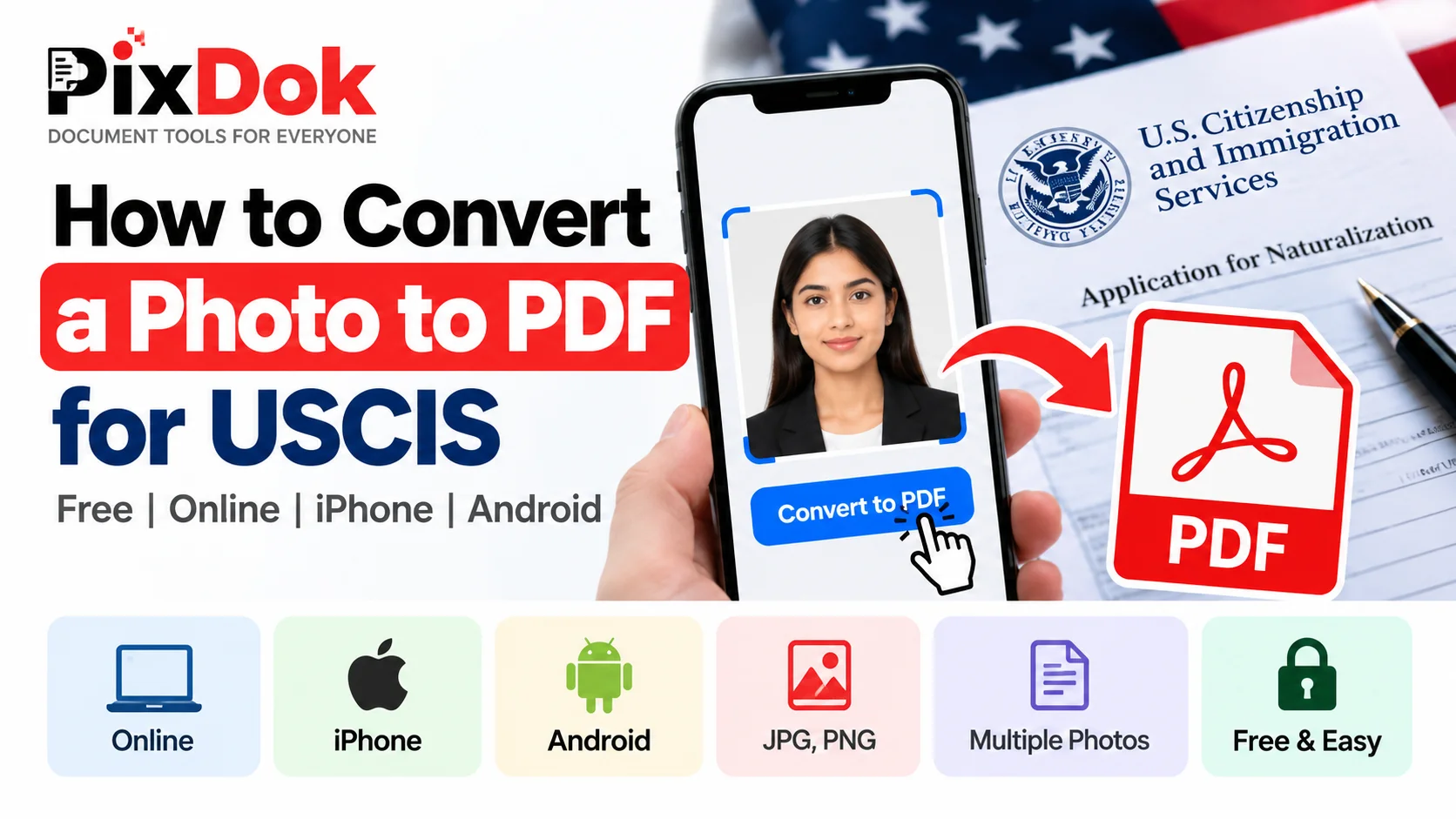
How to Convert a Photo to PDF for USCIS Free on Phone or Computer
Convert photos and mobile scans into USCIS-compliant PDF files for free on iPhone, Android, Windows, and Mac with exact size standards.
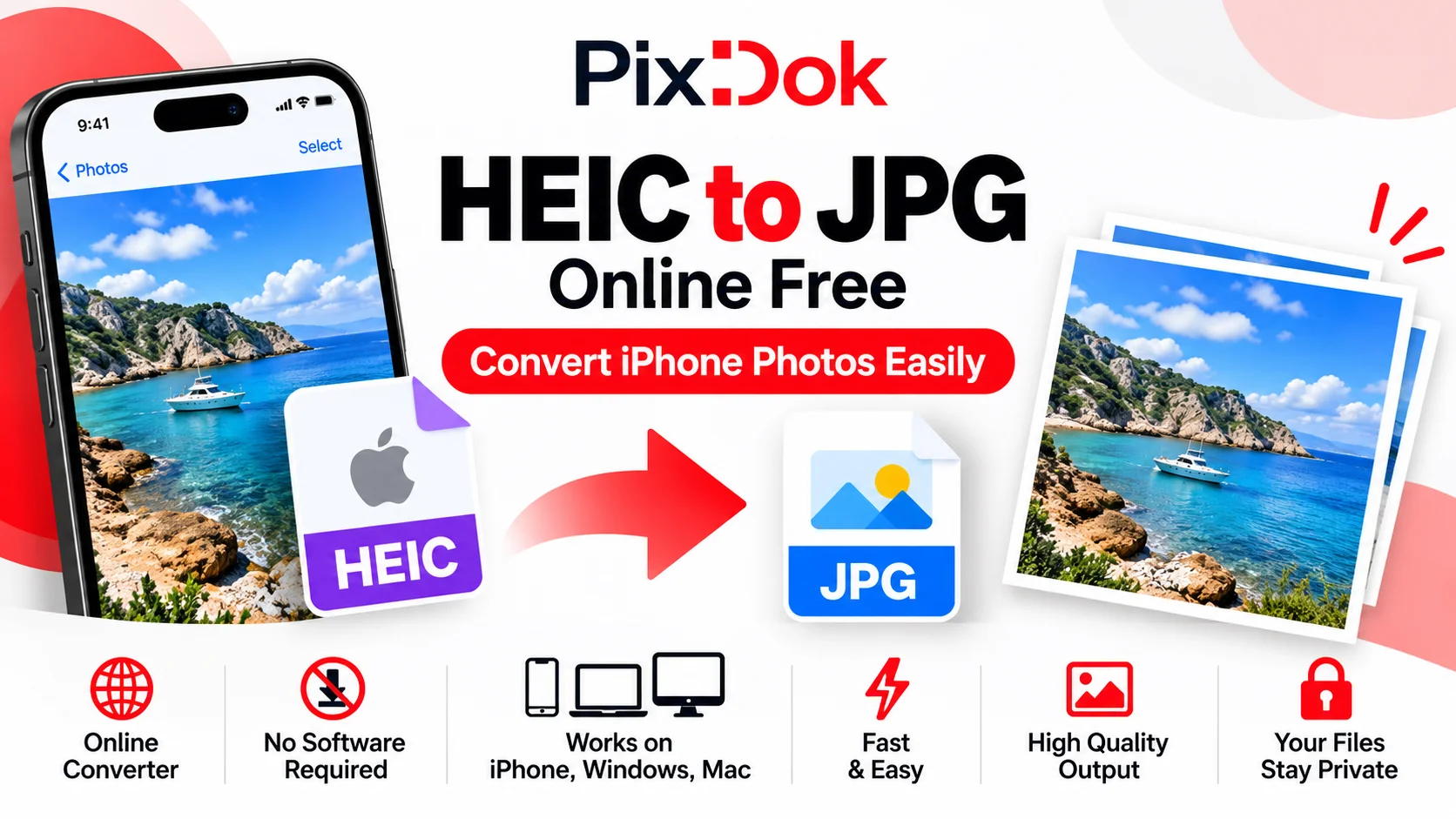
How to Convert HEIC to JPG Online Free (iPhone Photos)
Learn the easiest ways to convert iPhone HEIC photos to standard JPG format online for free without losing image quality.
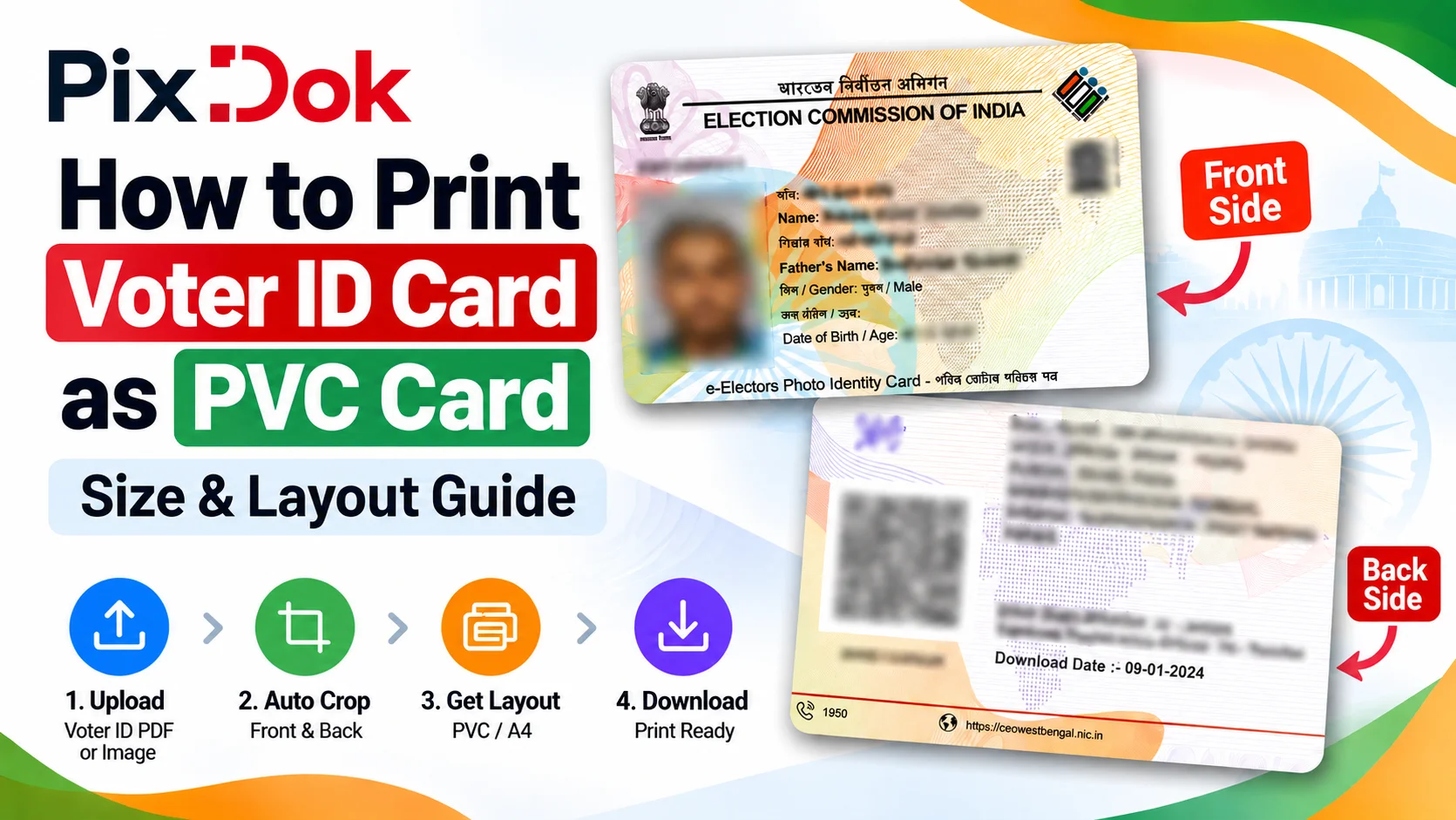
How to Print Voter ID Card as PVC Card: Size & Layout Guide
Step-by-step guide to crop, resize, and prepare your Voter ID card PDF for high-quality standard CR80 PVC card printing on A4 sheets.
Digital document operations comply with ISO 32000 specification standards for Portable Document Format architectures, maintaining cryptographic integrity and structural stream validity without unauthorized remote retention.— ISO 32000-1 Document Management Standards & PixDok Security Protocol