
- All Tools From this to this
in seconds!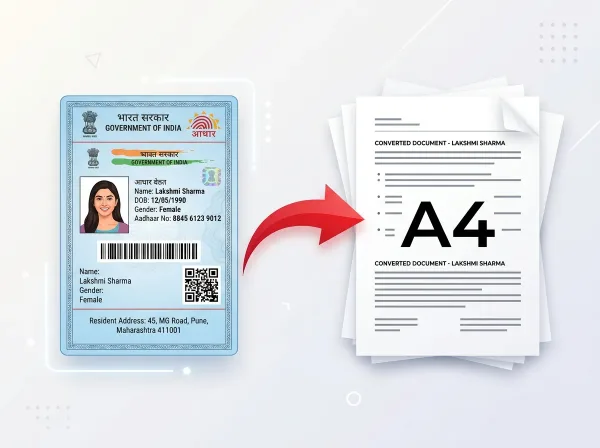 Try It NowReady to Print on A4Preserve Original SizeClean & Clear Output
- PDF Tools
- Card Tools
- Image Tools
- Convert Tools
- QR Tools
Split PDF Pages
Online Free
Extract selected pages or split large PDF documents into multiple smaller files. Choose exactly which pages you need and download them instantly.
- No Sign Up Required
- Works on All Devices
- Your Files are Secure & Private
Files are encrypted and auto-deleted after processing
Powerful Features
Everything you need, right in your browser.
Split PDF Pages
Split PDF into individual pages or custom ranges without document quality loss.
Extract Specific Pages
Extract target page sets from any PDF file instantly.
Custom Range Selector
Define exact page ranges like 1-3, 5, 8, 12-15 to split.
High-Speed Processing
Runs instantly client-side using browser-based memory.
Browser Based Split
Works directly in Chrome, Safari, Firefox, and Edge with no extensions.
100% Free Utility
No limits, registrations, or payment required to split documents.
Private & Secure
Your files are processed in-memory locally, keeping your data secure.
ZIP Packaging
Splitting into individual pages yields a single clean ZIP archive download.
How to Split PDF Online
Complete in 3 simple steps — no software download required.
Upload PDF
Select or drag your PDF document into the workspace.
Configure Split
Specify your page range or select split-all pages.
Execute Split
We divide the document index to generate your split files.
Download
Save your individual pages or download the combined ZIP package.
See It in Action
Our intuitive interface makes it effortless to split pdf online. No learning curve required.
- Browser-based processing
- No software to install
- Works on any device
- Files auto-deleted after use
Why Use PixDok Split PDF?
Built for reliability, speed, and privacy — zero compromises.
Fast & Easy
- Upload in seconds
- Instant processing
- One-click download
- No queue or waiting
Secure & Private
- Secure HTTPS connection
- Files auto-deleted
- No data stored
- Privacy-first design
Works Everywhere
- Windows, Mac & Linux
- iOS & Android ready
- All modern browsers
- No software needed
Your Privacy Comes First
We process your files securely in-memory. Files are automatically deleted after every session — we never store or sell your data.
Secure Connection
Side Processing
Installation Needed
File Deletion
How to Split PDF Pages & Extract What You Need with PixDok
Effortless Page Extraction with PixDok
Large multi-page PDF documents often contain only a few pages that you actually need to share. Sending an entire 50-page employee handbook when someone only needs page 12, or sharing an entire bank statement when you only need one transaction page, is inconvenient and compromises your privacy. PixDok Split PDF makes page separation effortless. You can select specific pages visually, type in custom page ranges like "1-5, 8, 12-15", or split every page into separate individual PDF files in a single click.
Why PixDok is Better than Expensive Desktop Software
Traditional PDF editors require expensive monthly subscriptions and heavy software installations just to extract a few pages. PixDok is completely free, runs directly in your web browser, and requires zero signup. There are no limits on how many times you can use the tool, no email registration forms, and no hidden fees. You get the same professional page extraction capabilities as high-end software without spending a single dollar.
Crystal Clear Quality and Original Formatting Preserved
Unlike basic tools that take low-resolution screenshots of pages, PixDok performs true digital extraction. It isolates your chosen pages directly from the PDF structure, preserving all original vector paths, selectable text, embedded fonts, and high-resolution images. The extracted pages maintain 100% of their original sharpness, look professional when printed at 300 DPI, and allow full text search and copy-paste functionality.
Total Privacy: Your Files Stay Safe and Secure
When dealing with sensitive contracts, medical records, or tax forms, privacy is essential. PixDok processes your files locally in your browser memory or in temporary secure memory. We never save, inspect, index, or share your documents. Once you download your extracted pages, all data is automatically purged from our servers within 30 minutes under our strict zero-retention policy.
Frequently Asked Questions
Latest Articles & Guides
Helpful tips, tutorials, and best practices from the PixDok team
How to Convert a Photo to PDF for USCIS Free on Phone or Computer
Convert photos and mobile scans into USCIS-compliant PDF files for free on iPhone, Android, Windows, and Mac with exact size standards.
How to Convert HEIC to JPG Online Free (iPhone Photos)
Learn the easiest ways to convert iPhone HEIC photos to standard JPG format online for free without losing image quality.
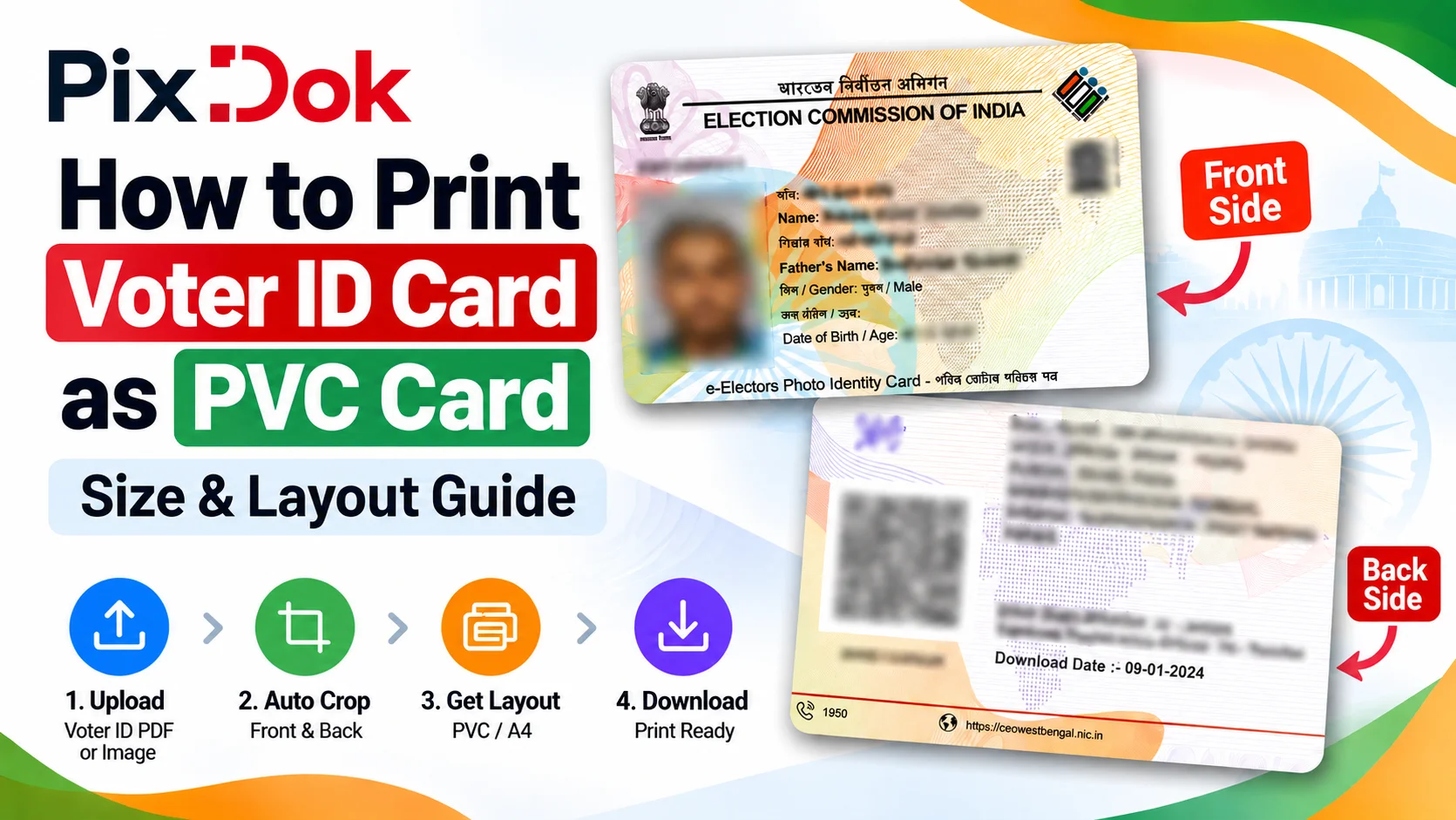
How to Print Voter ID Card as PVC Card: Size & Layout Guide
Step-by-step guide to crop, resize, and prepare your Voter ID card PDF for high-quality standard CR80 PVC card printing on A4 sheets.
Digital document operations comply with ISO 32000 specification standards for Portable Document Format architectures, maintaining cryptographic integrity and structural stream validity without unauthorized remote retention.— ISO 32000-1 Document Management Standards & PixDok Security Protocol