Convert your PAN Card PDF into a print-ready PVC card layout online. Upload your UTI, NSDL, or Instant e-PAN PDF, select the document type, enter the password if required, and generate your card layout for printing.
⚙️ Manual Crop Adjustment
Top (Y)74.8%
Height18.3%
Width42.3%
Front Left5.7%
Back Left52.0%
Extracted Results & Preview Area
Upload your PAN Card PDF on the left, select your PAN type (NSDL, UTI, or Instant e-PAN), and click "Convert to PVC Card" to view the generated front and back layout.
UTI, NSDL & Instant e-PAN Cropping
Automated front and back section alignment.
Standard CR80 Size
85.60 mm × 53.98 mm wallet dimensions.
Print-Ready Output
High-resolution A4 & PVC printer layouts.
Isolated Security
Files processed in secure isolated sessions.
Can I Convert a PAN Card PDF to PVC Card?
Yes. If you already have your PAN card as a supported e-PAN PDF, PixDok can process the document and prepare the relevant card content as a print-ready PVC card layout. Upload your PDF, select whether it is a UTI, NSDL, or Instant e-PAN PDF, enter the password if required, preview the result and download the prepared layout for printing.
Notice: PixDok is an independent document-processing and print-layout tool. It does not issue, modify, replace, or verify official PAN cards.
What Is PAN Card PDF to PVC?
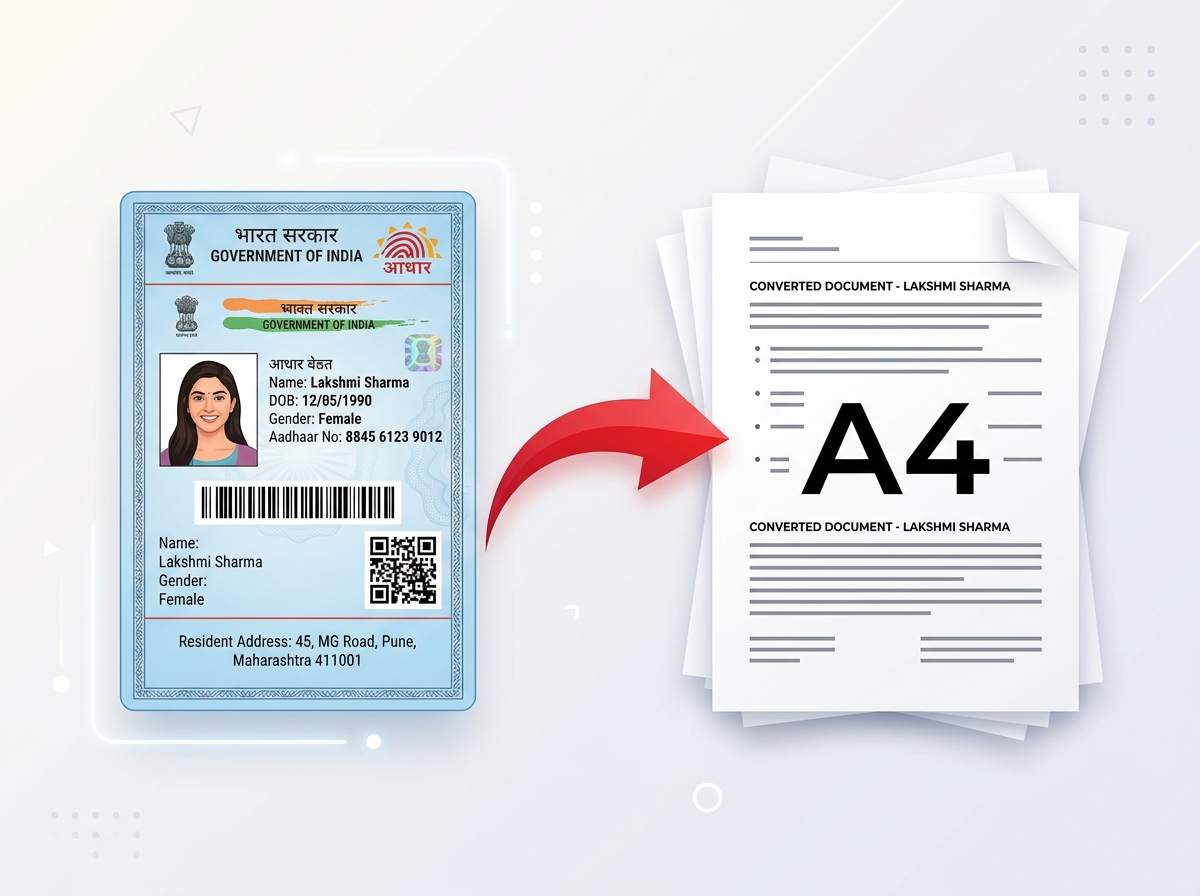
A PAN Card PDF to PVC converter is a specialized document utility that takes an existing digital e-PAN PDF file and extracts its card graphics into a wallet-sized, dual-sided plastic ID card print layout. When citizens apply for or download a digital PAN card online, government portals issue the document as a full A4 sheet. Carrying a full paper sheet in a wallet or pocket causes wear, tearing, and inconvenience.
"PAN Card PDF to PVC" refers to taking that full digital e-PAN PDF and cropping out the essential front and back card sections, formatting them to ISO CR80 standard card dimensions (85.60 mm × 53.98 mm). PixDok automates this vector parsing workflow, eliminating the need for manual Photoshop cropping or graphic editing.
Convert PAN Card PDF to PVC Online
Whether your e-PAN was issued by Protean eGov Technologies (formerly NSDL), UTI Infrastructure Technology and Services Limited (UTIITSL), or generated as an Aadhaar-based Instant e-PAN, PixDok provides a unified browser workspace to format your document for printing. Upload your document, select your issuing agency, provide your PDF password if protected, and download your print-ready asset in seconds.
Our online engine scans the PDF's internal structure, isolates the biometric photo, name, father's name, PAN number, QR code, and official signature block, and aligns them into a high-DPI dual-side card canvas.
How PixDok Converts a PAN PDF to a PVC Card Layout
PixDok handles document transformation across seven automated processing stages:
Document Selection: The user selects and uploads their official e-PAN PDF.
Agency Routing: The user selects whether the document format is NSDL, UTI, or Instant e-PAN.
Decryption Handling: If protected, the system decrypts the PDF using the user's Date of Birth password.
Vector Coordinate Scanning: The engine scans structural PDF elements for biometric card boundaries.
Front & Back Extraction: Front details (photo, name, PAN) and back details (QR code, address/info) are isolated.
CR80 Sizing: Extracted graphics are placed on a 300 DPI canvas measuring 85.60 mm × 53.98 mm.
Preview & Export: An interactive HTML/PDF preview renders immediately for high-resolution download.
PAN Card PDF to PVC Features
Instant e-PAN Support
Process supported Aadhaar-based Instant e-PAN PDFs using the Instant e-PAN coordinate extraction workflow.
UTI PAN PDF Support
Process supported UTI PAN PDFs using the UTI-specific coordinate extraction workflow.
NSDL PAN PDF Support
Process supported NSDL/Protean PAN PDFs using the NSDL-specific coordinate extraction workflow.
PDF Password Support
Process password-protected PDFs when the correct document password is provided.
Automatic Card Extraction
Prepare the relevant PAN card section automatically from the uploaded PDF document.
Front and Back Preparation
Prepare available card sides side-by-side for an efficient printing workflow.
PVC Card Layout
Prepare the generated result for standard wallet-sized PVC card printing.
Instant Live Preview
Review the generated front and back card layout before downloading.
High-Res Download
Download the supported generated output format ready for digital printing.
How to Convert PAN Card PDF to PVC Card
Follow this step-by-step guide to convert your digital PAN card PDF into a print layout:
1
Upload Your PAN PDF
Upload your existing PAN or e-PAN PDF using the file selection box.
2
Select PAN Card Type
Choose NSDL PAN, UTI PAN, or Instant e-PAN according to the PDF you uploaded.
3
Enter the PDF Password
If your PDF is password protected, enter the password required to open it.
4
Process the PDF
Click Convert to PVC Card and let PixDok process the document.
5
Review the Extracted Card
Check the generated card preview and confirm that the document has been processed correctly.
6
Prepare the PVC Layout
PixDok prepares the card content in the supported print layout.
7
Download and Print
Download the generated file and use a compatible PVC card printer or local ID-card printing service.
PAN Card Size for PVC Printing
Standard physical identification cards adhere to international ISO/IEC 7810 ID-1 standard dimensions. When preparing a PAN card layout for PVC printing, standard dimensions are:
Millimeters: 85.60 mm × 53.98 mm
Inches: 3.375 in × 2.125 in
Pixels (at 300 DPI): 1012 px × 638 px
This is the standard wallet-sized ID card format commonly used for PVC cards, badges, and card holders.
How to Print a PAN Card on PVC
Follow these steps to print your generated layout onto physical card media:
Upload your PAN PDF and select whether it is NSDL, UTI, or Instant e-PAN format.
Process the PDF and review the extracted card preview.
Download the generated layout file to your device.
Open the downloaded file in a compatible printer driver or graphics application.
Set print scaling to 100% (Actual Size) and select the CR80 card paper preset.
Print directly onto PVC card stock using a direct-to-card thermal printer or print on glossy photo paper for thermal pouch lamination.
Alternatively, transfer the generated file to a USB drive and visit a local PVC card printing shop.
What Password Is Used for a PAN PDF?
Enter the password required to open your PAN PDF if the document is password protected.
For official e-PAN PDF files issued by NSDL/Protean, UTIITSL, and the Income Tax Department (for Instant PAN), document encryption passwords standardly consist of the cardholder's Date of Birth in DDMMYYYY format (e.g. 15081995 for August 15, 1995).
What Is an e-PAN?
An e-PAN is an electronic version of the Permanent Account Number card issued in digital PDF format by authorized agencies under the Income Tax Department, Government of India. It holds full legal validity as proof of identification across financial institutions, banks, and government portals.
An e-PAN is a digital PDF file containing a digital signature, PAN details, photo, and QR code, ideal for online verification. A physical PAN card is a durable PVC plastic card carried in a wallet for offline verification, banking, and physical identity checks.
Is a PixDok PAN PVC Print an Official PAN Card?
No.
PixDok does not issue PAN cards and is not a government PAN issuing authority. PixDok processes a user's own PAN/e-PAN document and prepares a print-oriented layout for printing purposes.
For official PAN issuance, correction, verification, or physical PAN card services, use the appropriate official government or authorized PAN service.
Security and Privacy
Document security is critical when handling sensitive personal identification documents. PixDok handles uploaded files using strict privacy protocols:
Uploaded e-PAN PDF files are transmitted via secure encrypted TLS connections to isolated, temporary server processing directories.
Files are processed exclusively to parse vector coordinates and generate your card layout preview.
Uploaded PDF documents and generated card artifacts are automatically purged from server memory within 30 minutes.
PixDok does not store, index, sell, or harvest your personal tax details or PAN numbers.
PAN PDF to PVC Troubleshooting
PDF won't upload: Check file format and verify that the file size is under 8MB.
PDF password error: Verify the password for the uploaded document (typically Date of Birth in DDMMYYYY format).
Wrong PAN type selected: Try switching the document type dropdown between NSDL PAN, UTI PAN, and Instant e-PAN.
Card extraction looks incorrect: Verify that the uploaded PDF is an original, supported e-PAN document.
Preview is blank: Try processing the document again or re-select your file.
Download issue: Re-click the download button or try using another supported browser such as Chrome or Firefox.
Printing is incorrectly sized: Disable automatic printer scaling (select 100% Actual Size) and check your printer paper settings.
Frequently Asked Questions
Can I convert a PAN Card PDF to PVC?
Yes. If you already have your PAN card as a supported e-PAN PDF, PixDok can process the document and prepare the relevant card content as a print-ready PVC card layout.
Can I convert an e-PAN PDF to PVC?
Yes. PixDok supports converting digital e-PAN PDF files issued by authorized government portals into physical card print layouts.
Can I convert a UTI PAN PDF to PVC?
Yes. Upload your UTI e-PAN PDF and select UTI PAN from the document type dropdown menu.
Can I convert an NSDL PAN PDF to PVC?
Yes. Upload your NSDL/Protean e-PAN PDF and select NSDL PAN from the document type dropdown menu.
Is the PAN PDF to PVC converter free?
Yes. Uploading, selecting document type, entering password, parsing, and live previewing are free on PixDok.
Do I need Photoshop to convert a PAN PDF to PVC?
No. PixDok automatically handles coordinate scanning, card cropping, side alignment, and sizing without needing graphics software.
Can I upload a password-protected PAN PDF?
Yes. Simply type your document password into the PDF password field before clicking Convert to PVC Card.
What password should I use for my PAN PDF?
Enter the password required to open your PAN PDF if the document is password protected (typically Date of Birth in DDMMYYYY format).
Can PixDok extract the PAN card from the PDF?
Yes. PixDok's engine scans internal vector coordinates to isolate front and back card graphics from full-page PDF documents.
Can I prepare the front and back of the PAN card?
Yes. PixDok extracts both the front side (photo, name, PAN) and back side (QR code, address/info) side-by-side.
What is the PAN card PVC size?
The common CR80/ID-1 wallet card format measures 85.60 mm × 53.98 mm (3.375 × 2.125 inches).
Can I print the generated PAN layout on PVC?
Yes. You can download the generated high-resolution card graphics and feed them into a thermal PVC printer or photo paper printer.
Can I print the PAN card at a local shop?
Yes. Download the print-ready file and take it on a flash drive or via email to any local digital print shop.
Can I download the PAN PVC layout?
Yes. Once processed, you can download the generated layout directly to your computer or mobile device.
Can I use the PAN PDF to PVC tool on mobile?
Yes. PixDok is fully responsive and works directly inside Chrome, Safari, or any modern mobile web browser.
Is PixDok an official PAN website?
No. PixDok is an independent document-processing and print-layout tool. It is not affiliated with UTIITSL, NSDL/Protean, or the Income Tax Department.
Does PixDok issue PAN cards?
No. PixDok does not issue, modify, replace, or verify official PAN cards.
Does PixDok verify PAN numbers?
No. PixDok does not validate or verify PAN numbers against government databases.
What is the difference between e-PAN and physical PAN?
An e-PAN is a digitally signed electronic PDF document. A physical PAN card is a plastic/PVC card carried in a wallet.
Is the PixDok PAN PVC print an official PAN card?
No. PixDok prepares a personal print-oriented layout of your own document. For official PVC card issuance, use government services.
Is my PAN PDF stored?
Uploaded files are processed in secure isolated sessions and are automatically deleted from server memory within 30 minutes.
Can cyber cafes use this PAN PDF to PVC tool?
Yes. Digital service centers and print shops use PixDok to rapidly prepare clean print layouts for their customers.
What is the difference between UTI, NSDL, and Instant e-PAN PDFs?
UTI e-PANs are issued by UTIITSL, NSDL e-PANs are issued by Protean eGov, and Instant e-PANs are issued directly by the Income Tax Department. Each format has different internal PDF layout coordinates.
What should I do if my PAN PDF cannot be processed?
Ensure you selected the correct PAN type (UTI, NSDL, or Instant e-PAN), verify your password, and check that the file is an original e-PAN PDF.
Can I use my e-PAN PDF to prepare a PVC printing layout?
Yes. PixDok is built specifically to convert official e-PAN PDFs into printable PVC card layouts.
Upload your NSDL, UTI, or Instant e-PAN PDF, select your document type, enter your password if protected, and generate your print-ready PVC card layout instantly.
Processing Your PAN Card Document
Securely processing your document…
Upload received
Extracting PAN details
Preparing card preview
Processed temporarily. Automatically removed after processing.

 Try It NowReady to Print on A4Preserve Original SizeClean & Clear Output