
PDF & Document Converters
Convert single or batch JPG, PNG, and WebP images into clean, multi-page PDF documents.
Convert PDF files into fully editable Microsoft Word DOCX files with tables and formatting preserved.
Extract all document pages or specific ranges from PDF files into sharp JPG and PNG images.
Convert non-selectable scanned PDFs and document images into searchable, copyable text.
Image & Media Converters
Convert Apple iPhone HEIC/HEIF photos to universal JPG format for easy sharing and upload.
Compress and convert image formats for web optimization, email, and portal requirements.
Compress large PDF documents down to target MB and KB thresholds for quick submission.
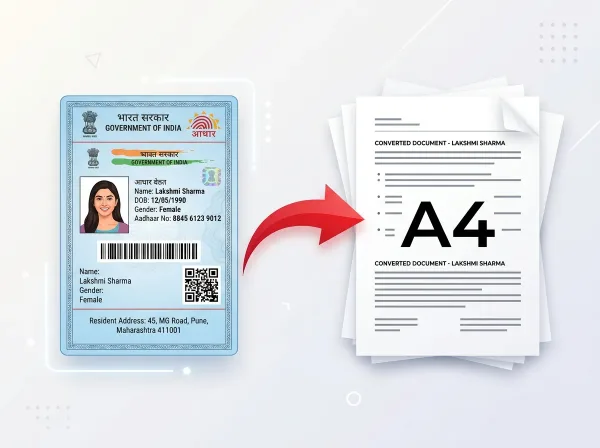
Straighten perspective, remove shadows, and convert camera snaps into print-ready A4 scans.
Which Converter Should I Use?
Quick matching for your exact file transformation need:
Document Interoperability & Conversion Protocols
Engineered for high-fidelity document reproduction, standards compliance, and verifiable privacy protocols.
Standardized Raster & Vector Serialization (ISO/IEC)
Cross-format document conversion on PixDok complies with open serialization standards defined by ISO 32000 and ISO/IEC 23008-12 (High Efficiency Image File Format). Converting between PDF, Word DOCX, JPG, PNG, and Apple HEIC preserves page geometry, typographical hierarchy, and embedded color spaces without introducing artifacts or compression banding.
Zero-Retention Data Confidentiality Architecture
Our conversion architecture is engineered under strict privacy-by-design standards conforming to ISO/IEC 27001 data protection principles. Converted files are streamed directly back to your device and automatically expunged from temporary server memory immediately upon completion, protecting user privacy across all workflow stages.
Frequently Asked Questions
Common questions regarding online document & file conversion:
What file types can I convert using PixDok?
PixDok supports conversions across PDF, Word (DOCX), JPG, PNG, WebP, and Apple HEIC image formats.
Can I convert multiple images into a single PDF document?
Yes. Our Image to PDF tool lets you upload multiple JPG, PNG, or WebP files, reorder pages intuitively, and combine them into a single high-quality PDF document.
How do I convert iPhone HEIC photos to JPG?
Upload your Apple .heic or .heif photos directly into the HEIC to JPG converter. The tool converts them instantly into universal JPG format ready for any website, portal, or print shop.
Will converting PDF to Word preserve formatting and layouts?
Yes. PixDok PDF to Word extracts fonts, tables, alignments, and paragraph formatting, delivering clean Microsoft Word (.docx) files ready for immediate editing.
Are PixDok online file converters free with no limits?
Yes. You can use our converters freely without paying subscription fees or creating an account.
Are uploaded files secure and automatically deleted?
Yes. Privacy is guaranteed. Files are processed in temporary encrypted sessions and immediately deleted from server memory once conversion completes.