
- All Tools From this to this
in seconds!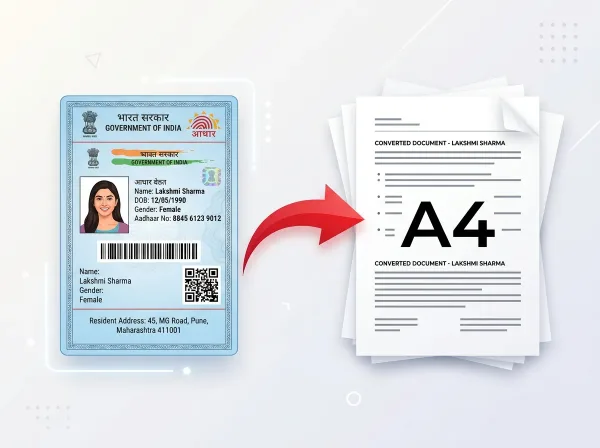 Try It NowReady to Print on A4Preserve Original SizeClean & Clear Output
- PDF Tools
- Card Tools
- Image Tools
- Convert Tools
- QR Tools
Protect PDF with
Password Online
Encrypt your PDF documents using robust AES encryption keys. Control access to your files and protect your confidential information before sharing.
- No Sign Up Required
- Works on All Devices
- Your Files are Secure & Private
Files are encrypted and auto-deleted after processing
Powerful Features
Everything you need, right in your browser.
Password Protection
Secure any PDF with user access passwords to prevent unauthorized viewing.
256-Bit AES Encryption
Uses advanced AES-256 cryptography to lock document object streams.
Secure Document Sharing
Distribute sensitive reports, blueprints, or legal docs safely.
Completely Browser Based
No installations or extension downloads required. Runs securely in-browser.
Permissions Locking
Prevents standard modification, printing, or copy attempts without authorization.
No Lossy Conversions
Preserves interactive forms, hyper-links, text arrays, and layouts.
Instant Lock
Secure your files in seconds. No wait queues or processing delays.
Always Free to Use
Enjoy complete cryptographic protection functionality without registration.
How to Protect PDF Online
Complete in 3 simple steps — no software download required.
Upload PDF
Drag and drop or select your PDF file into the secure workspace.
Set Password
Choose a strong password and enter it twice for validation.
Encrypt File
Our engine wraps document dictionaries inside ciphers.
Secure Download
Download your newly encrypted PDF file instantly.
See It in Action
Our intuitive interface makes it effortless to protect pdf online. No learning curve required.
- Browser-based processing
- No software to install
- Works on any device
- Files auto-deleted after use
Why Use PixDok Protect PDF?
Built for reliability, speed, and privacy — zero compromises.
Fast & Easy
- Upload in seconds
- Instant processing
- One-click download
- No queue or waiting
Secure & Private
- Secure HTTPS connection
- Files auto-deleted
- No data stored
- Privacy-first design
Works Everywhere
- Windows, Mac & Linux
- iOS & Android ready
- All modern browsers
- No software needed
Your Privacy Comes First
We process your files securely in-memory. Files are automatically deleted after every session — we never store or sell your data.
Secure Connection
Server Processing
Installation Needed
File Deletion
How to Password Protect Your PDF Files Online: Complete Security Guide
Strong, Free Security for Your Sensitive Documents
Whether you are sharing confidential business contracts, tax filings, payroll records, or sensitive personal documents, protecting them with a strong password is the best way to prevent unauthorized access. PixDok Protect PDF allows you to encrypt your documents with bank-grade 128-bit and 256-bit AES encryption in just a few clicks. The tool is 100% free, requires no software installation, and needs zero signup.
Open Passwords vs Permissions Locks Explained
PixDok gives you flexible security options. You can set an Open Password (User Password) so that anyone opening the file must enter the correct password before viewing any page. You can also configure permission restrictions to stop unauthorized users from printing the document, copying text and graphics to their clipboard, or editing form fields. This gives you full control over how your files are used and shared.
Why Use PixDok Instead of Expensive Subscriptions?
Programs like Adobe Acrobat charge expensive monthly fees just to lock and encrypt PDF documents. PixDok provides the exact same industry-standard encryption completely free of charge. You do not need to download gigabytes of heavy desktop software or enter your credit card information. Simply drop your document, type your chosen password, and download your secure PDF instantly.
Your Privacy is 100% Protected at All Times
Document security is our highest priority. All data transferred between your browser and our servers is protected with encrypted HTTPS connections. We process your files in private, temporary memory and permanently delete them within 30 minutes under our zero-retention policy. We never see your files, read your text, or save your passwords, ensuring complete confidentiality for your sensitive paperwork.
Frequently Asked Questions
Latest Articles & Guides
Helpful tips, tutorials, and best practices from the PixDok team
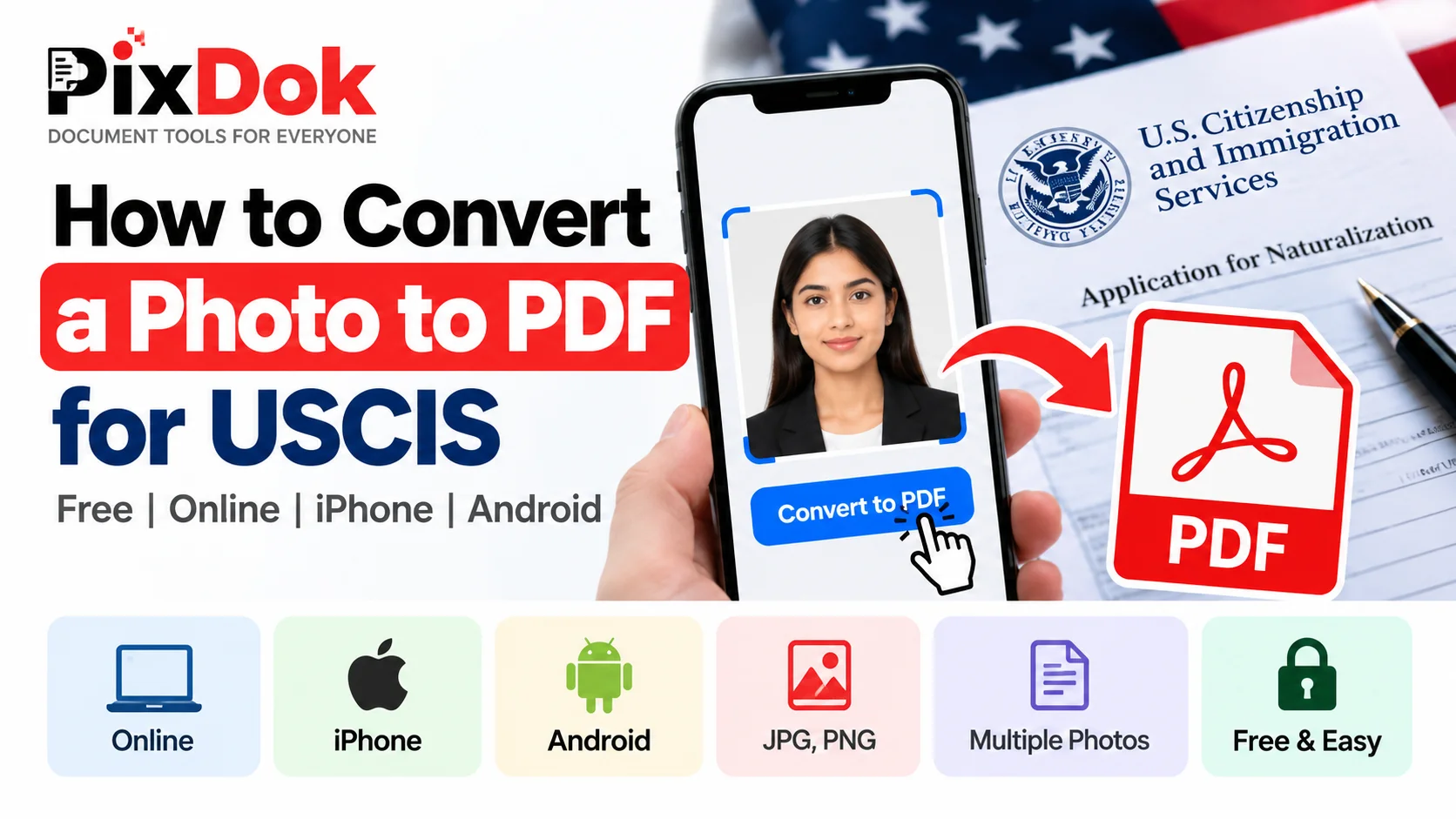
How to Convert a Photo to PDF for USCIS Free on Phone or Computer
Convert photos and mobile scans into USCIS-compliant PDF files for free on iPhone, Android, Windows, and Mac with exact size standards.

How to Convert HEIC to JPG Online Free (iPhone Photos)
Learn the easiest ways to convert iPhone HEIC photos to standard JPG format online for free without losing image quality.
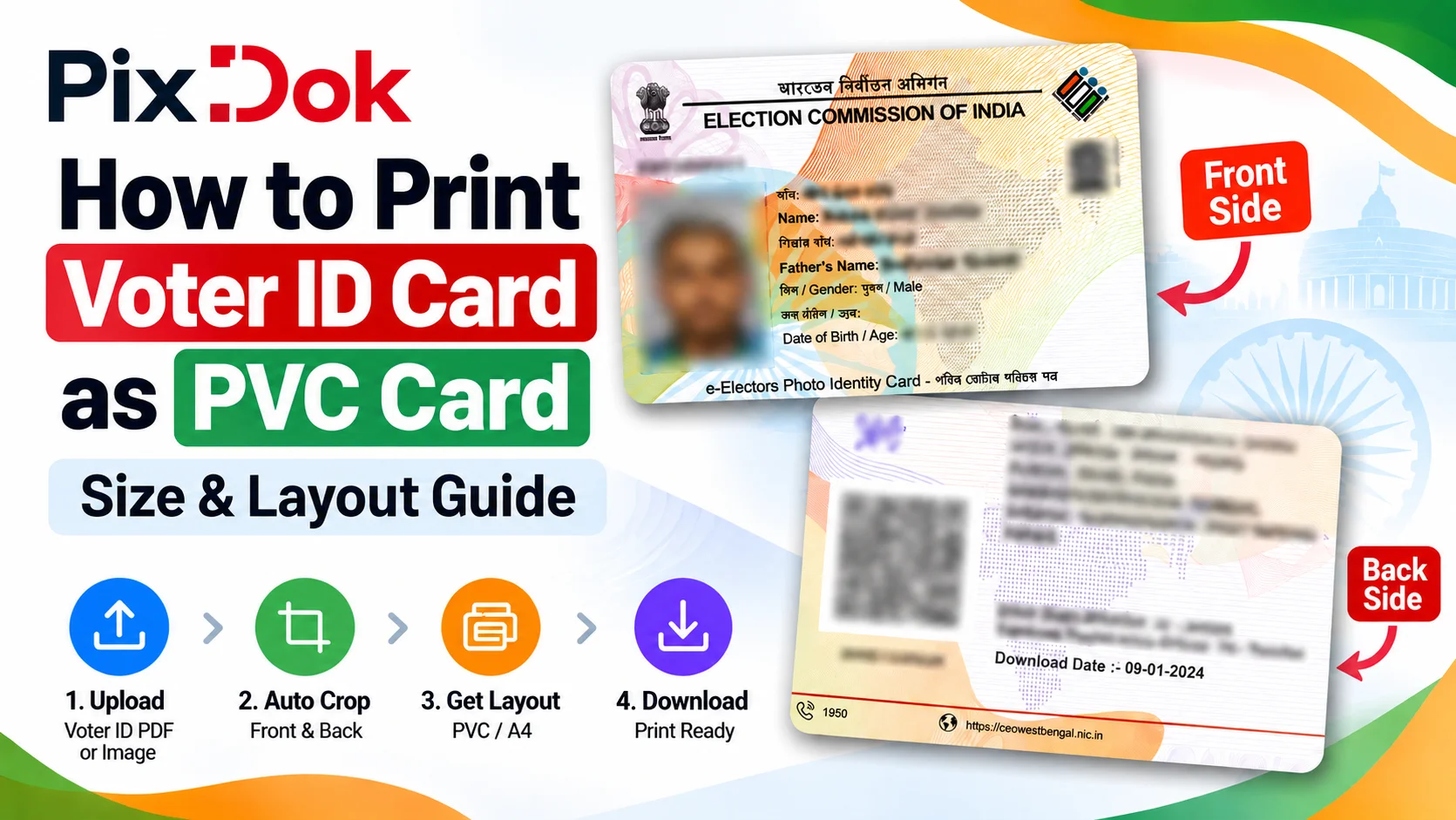
How to Print Voter ID Card as PVC Card: Size & Layout Guide
Step-by-step guide to crop, resize, and prepare your Voter ID card PDF for high-quality standard CR80 PVC card printing on A4 sheets.
Digital document operations comply with ISO 32000 specification standards for Portable Document Format architectures, maintaining cryptographic integrity and structural stream validity without unauthorized remote retention.— ISO 32000-1 Document Management Standards & PixDok Security Protocol