
- All Tools From this to this
in seconds!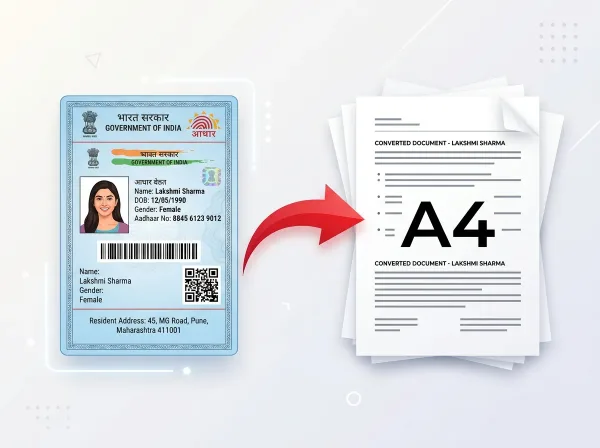 Try It NowReady to Print on A4Preserve Original SizeClean & Clear Output
- PDF Tools
- Card Tools
- Image Tools
- Convert Tools
- QR Tools
Convert PDF & Images to
JPG Online Free
Convert PDF documents, PNG, WEBP, GIF, and HEIC files to JPG format in seconds. Adjust output image quality and compress your files easily.
- No Sign Up Required
- Works on All Devices
- Your Files are Secure & Private
Files are encrypted and auto-deleted after processing
Powerful Features
Everything you need, right in your browser.
Convert to JPG
Instantly convert PNG, WEBP, GIF, and HEIC files to standard JPG format.
Batch Processing
Upload multiple files and convert them all at once.
Quality Adjustment
Control output JPG compression parameters to balance quality and file size.
High-Speed Encoding
All conversions happen client-side in your browser, running in milliseconds.
ZIP Archive Export
Converts multiple files and bundles them into a single, clean ZIP download.
Zero Loss of Layout
Keeps resolution ratios intact, converting transparent layers to clean white backgrounds.
Mobile Optimizations
Fully functional across smartphone devices. Convert on-the-go.
Always Free to Use
100% free with no subscription popups, ads, or watermarks.
How to Convert to JPG Online
Complete in 3 simple steps — no software download required.
Upload Images
Select or drop your source image files into the workspace.
Adjust Quality
Set your preferred output JPG quality level (10% - 100%).
Convert
Click to convert your images to JPG format.
Download
Save individual JPG images or download the bundled ZIP package.
See It in Action
Our intuitive interface makes it effortless to convert to jpg online. No learning curve required.
- Browser-based processing
- No software to install
- Works on any device
- Files auto-deleted after use
Why Use PixDok Convert to JPG?
Built for reliability, speed, and privacy — zero compromises.
Fast & Easy
- Upload in seconds
- Instant processing
- One-click download
- No queue or waiting
Secure & Private
- Secure HTTPS connection
- Files auto-deleted
- No data stored
- Privacy-first design
Works Everywhere
- Windows, Mac & Linux
- iOS & Android ready
- All modern browsers
- No software needed
Your Privacy Comes First
We process your files securely in-memory. Files are automatically deleted after every session — we never store or sell your data.
Secure Connection
Side Processing
Installation Needed
File Deletion
How to Convert PDF Pages into High-Quality JPG Images with PixDok
Why PixDok is the Best PDF to JPG Converter
Converting a PDF into an image is one of the most common document tasks, whether you want to share a certificate on social media, insert a document page into a slide deck, or upload a photo of your ID card to a portal that does not accept PDF files. PixDok converts your PDF pages into high-resolution JPG images in seconds. It is completely free, requires no signup, and produces razor-sharp 300 DPI images without adding any watermarks or logos.
Turn Every PDF Page into a Sharp, Shareable Image
Whether your document has one page or fifty pages, PixDok handles it effortlessly. For single-page documents, you can download your JPG image instantly. For multi-page PDFs, PixDok converts all pages and bundles them into a clean, convenient ZIP file so you can download everything with a single click. You can also preview individual pages and choose to download only the specific images you need.
Vibrant Colors and Crisp Text Guaranteed
Low-quality converters often produce blurry images where small text is unreadable and colors look washed out. PixDok uses advanced high-resolution rasterization technology. Text remains sharp and legible, fine chart lines are cleanly preserved, and colors are automatically calibrated to standard sRGB profiles so your images look vibrant and true-to-life on any smartphone, tablet, or computer screen.
Fast, Safe & Private on All Devices
You do not need to install graphic software or register an account. PixDok runs directly inside your web browser on iPhone, Android, Windows, and Mac. All file transfers are secured with HTTPS encryption, and your files are processed in private memory. Under our strict zero-retention policy, all documents are permanently deleted from our servers within 30 minutes, keeping your private paperwork safe.
Frequently Asked Questions
Latest Articles & Guides
Helpful tips, tutorials, and best practices from the PixDok team
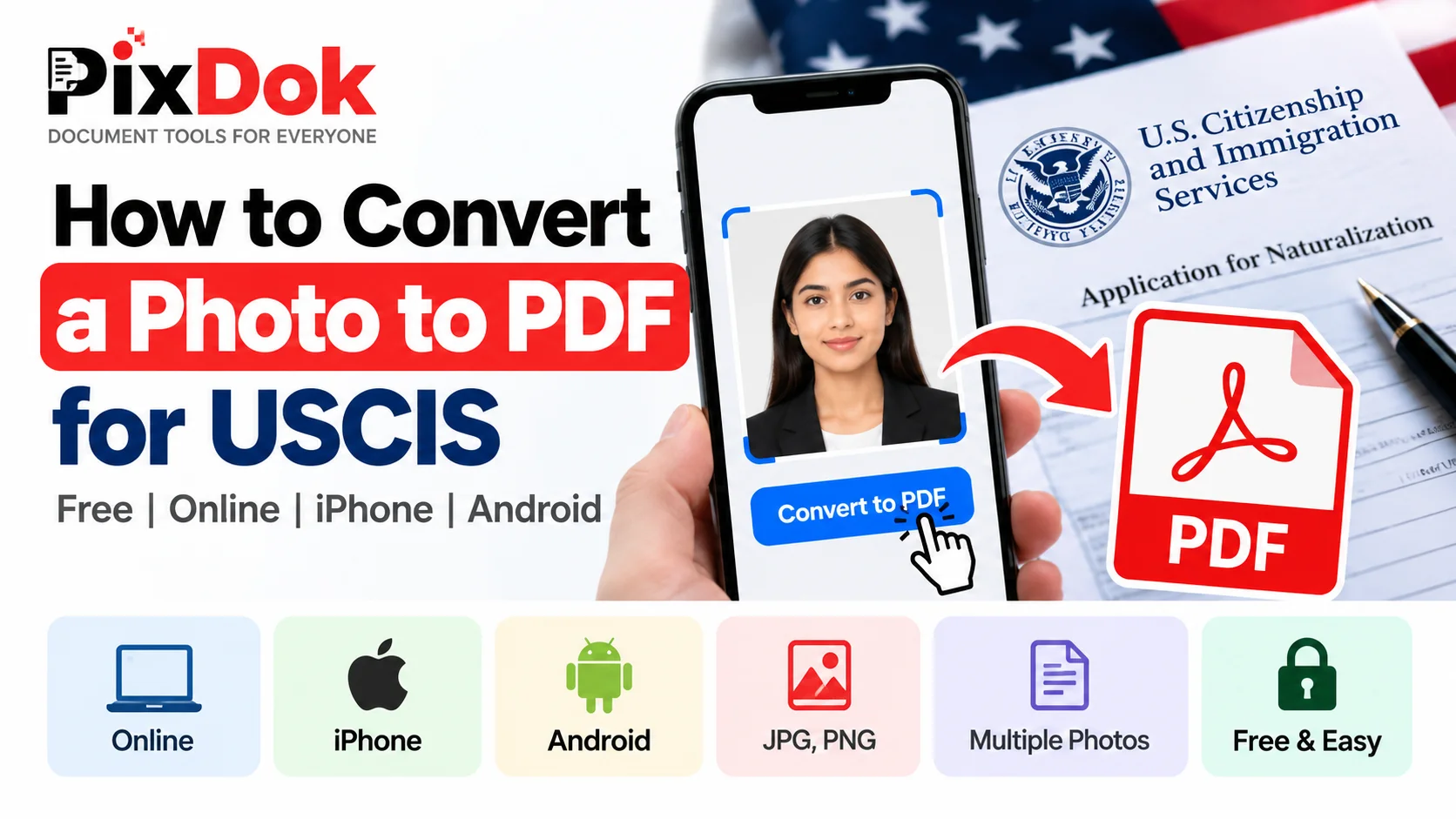
How to Convert a Photo to PDF for USCIS Free on Phone or Computer
Convert photos and mobile scans into USCIS-compliant PDF files for free on iPhone, Android, Windows, and Mac with exact size standards.
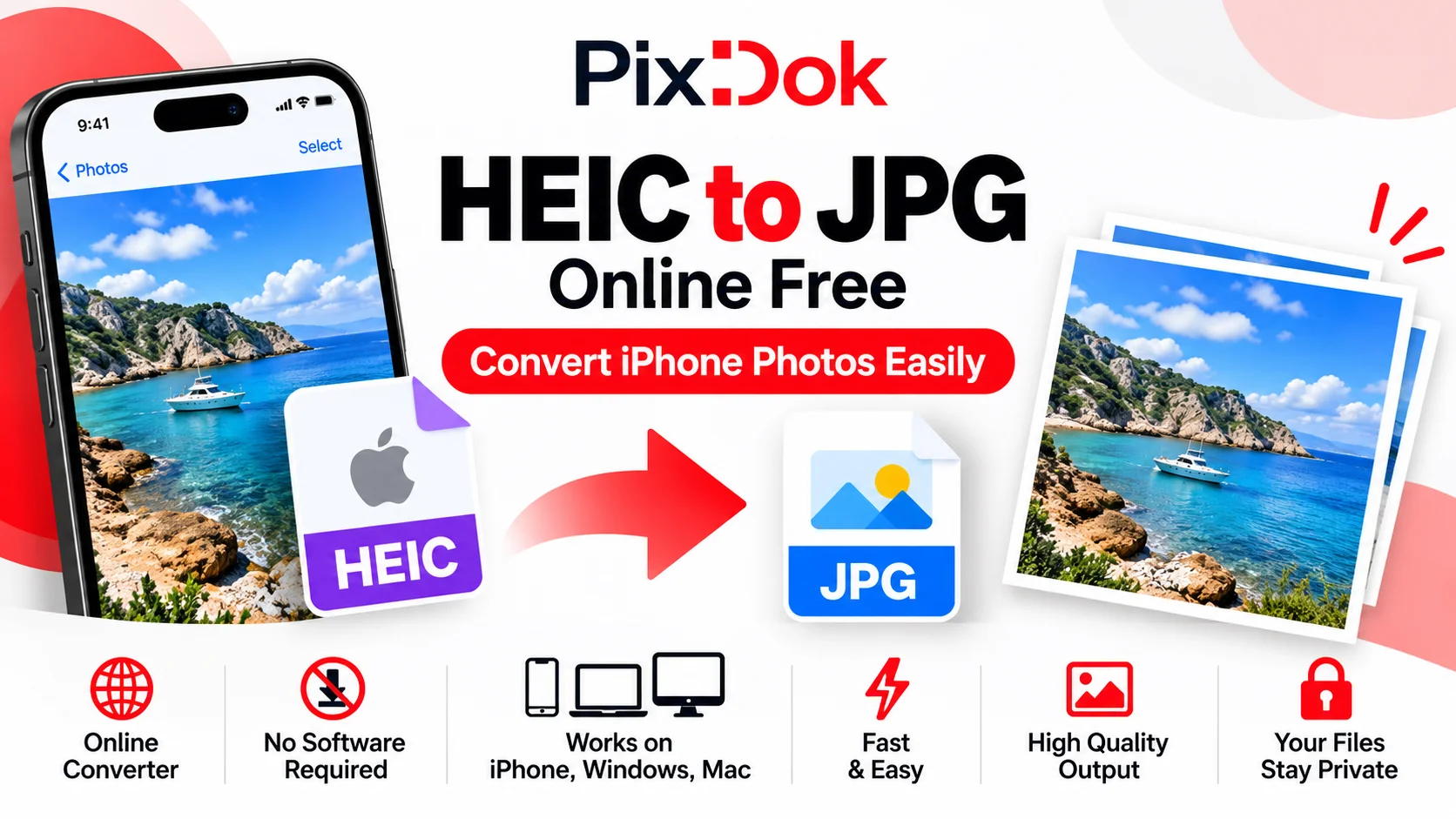
How to Convert HEIC to JPG Online Free (iPhone Photos)
Learn the easiest ways to convert iPhone HEIC photos to standard JPG format online for free without losing image quality.
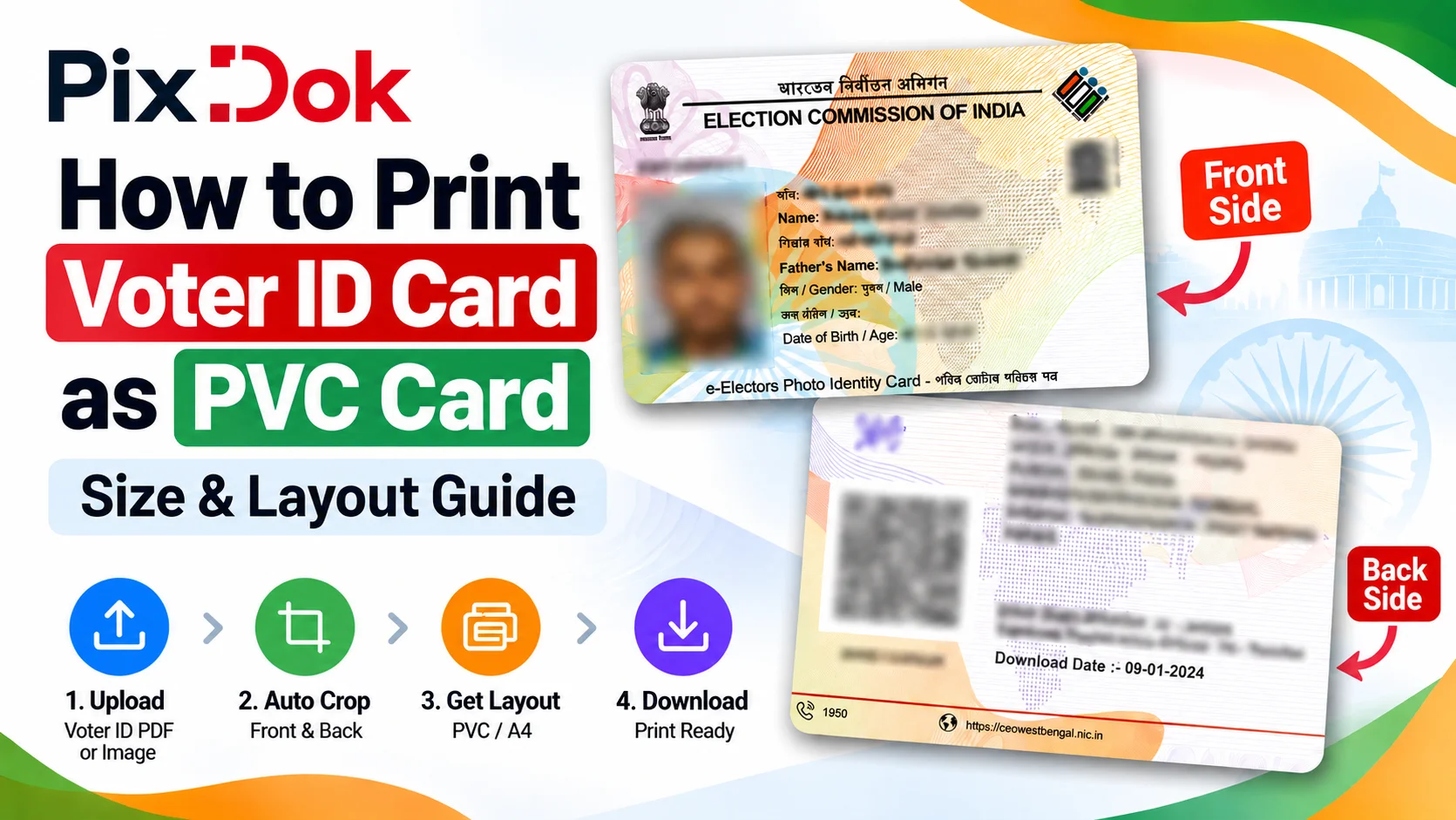
How to Print Voter ID Card as PVC Card: Size & Layout Guide
Step-by-step guide to crop, resize, and prepare your Voter ID card PDF for high-quality standard CR80 PVC card printing on A4 sheets.