
-
All Tools
From this to this
in seconds!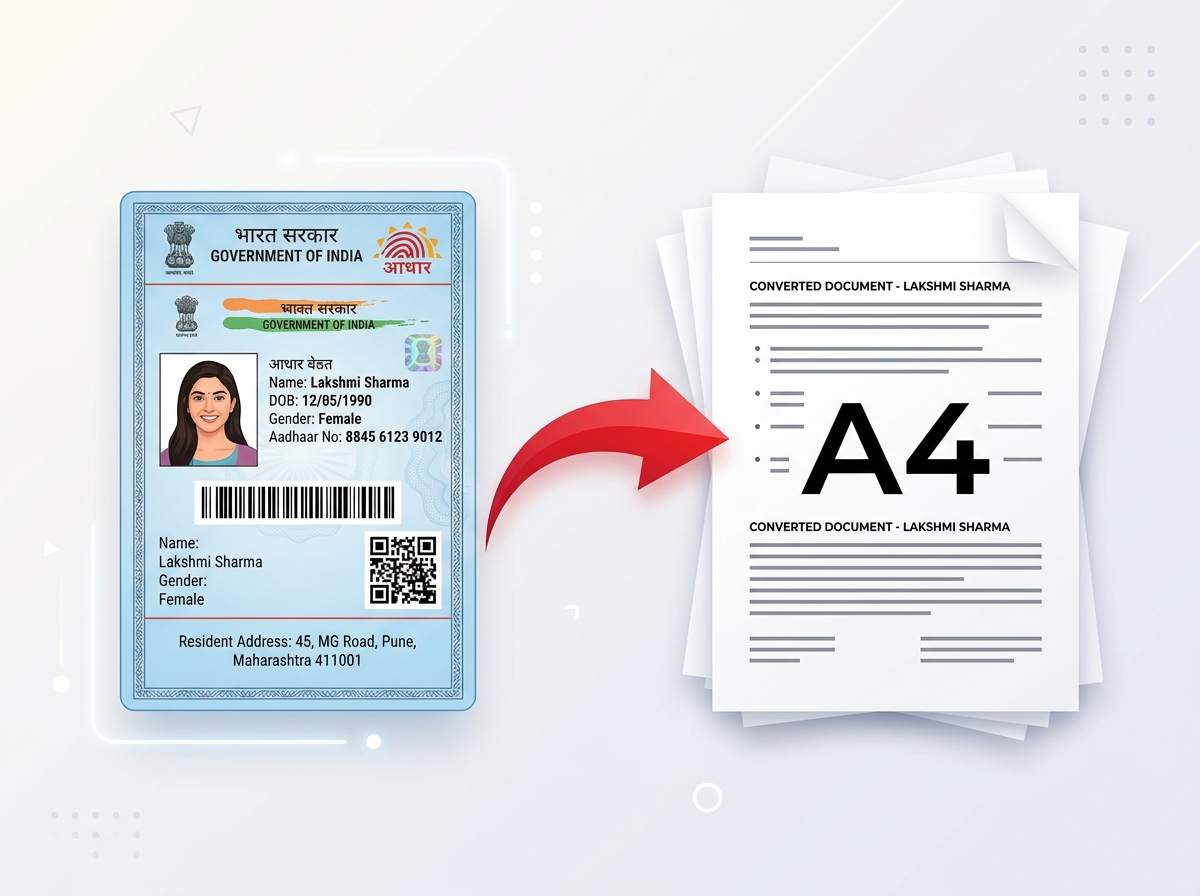 Try It NowReady to Print on A4Preserve Original SizeClean & Clear Output
 - PDF Tools
- Card Tools
- Image Tools
- Convert Tools
- QR Tools
Convert your Voter ID card into a wallet-sized, print-ready PVC card layout online. Upload your Voter ID, prepare the card layout, preview the result, and download a printable version after signing in.
Upload your Voter ID PDF or image on the left and click "Process to PVC Card" to view the generated front and back layout.
Automated front and back card cropping.
Dual-side interactive card presentation.
High-resolution A4 and CR80 PVC size outputs.
Privacy protected with 30-minute auto cleanup.
PixDok's Voter ID to PVC Card Maker simplifies the process of transforming official e-EPIC documents and Voter ID scans into standard wallet-sized PVC card layouts. Whether you hold a digital e-EPIC PDF file or a scanned Voter ID image, our browser utility automatically crops the front and back card sections into exact CR80 card dimensions for printing.
Having a physical wallet-sized Voter ID layout allows citizens to print a durable, laminated card for easy reference and personal organization. Instead of manually cropping PDF files in complex graphic design software, PixDok automates the layout preparation in seconds.
Precision coordinate extraction crops the exact front and back panels from e-EPIC PDFs without manual measurement.
Inspect both the front side and back side of your Voter card layout before printing.
Export a single-page A4 sheet containing both sides aligned side-by-side for easy paper or PVC card printing.
Automated precision coordinate extraction crops front and back Voter ID panels instantly.
Sign in to unlock unblurred high-resolution card outputs with full security protection.
Uploaded documents are processed temporarily and deleted automatically after extraction.
Navigate to PixDok's Voter ID to PVC Card Maker in your browser.
Drag and drop your official Voter ID PDF or image file into the upload zone.
Click the process button to launch automated coordinate extraction.
Inspect the front side and back side of the generated card preview.
Sign in to your free PixDok account to unlock high-resolution downloads.
A Voter ID PVC card refers to a physical plastic ID card (polyvinyl chloride) formatted to standard credit-card dimensions (CR80) containing a voter's identification details. While the official e-EPIC is issued as a digital PDF document by election authorities, many citizens prefer a physical PVC card representation for wallet storage.
PixDok provides the layout preparation software to convert digital Voter documents into exact printable card dimensions. PixDok does not issue official government documents, but rather formats user-supplied files into print-ready layouts.
Standard wallet-sized ID cards follow the ISO/IEC 7810 ID-1 standard format. Below are the standard dimensions used for PVC card printing:
For high-quality PVC card printing, a resolution of 300 DPI (Dots Per Inch) is recommended. Printing at 300 DPI ensures crisp text, sharp portrait photography, and clearly readable QR codes or barcodes. PixDok renders card layouts at high DPI scaling to prevent blurriness or pixelation during physical printing.
Depending on your available hardware, you can print your generated Voter ID card layout using several methods:
Official Voter ID cards contain distinct information on the front and back panels:
PixDok ensures both front and back panels are extracted and aligned side-by-side on a single print-ready page.
| Feature | PixDok Printable Layout | Official Government Voter ID |
|---|---|---|
| Purpose | Print layout preparation utility | Official legal voter identification |
| Issued By | Third-party web tool (PixDok) | Election Commission of India (ECI) |
| Format | Digital A4 / CR80 PVC print layout | Official e-EPIC PDF or physical card |
| Official Legal Validity | Layout utility only | Officially valid government proof |
PixDok prioritizes user data privacy. When you upload a Voter ID file to our servers:
An official Voter ID (e-EPIC) is the legal document certifying voting eligibility. A PVC card is simply a physical plastic format used to carry the document conveniently in a wallet. Using PixDok to format a PVC layout does not alter the underlying legal status of your voter identification.
PixDok's Voter ID card layout tool is ideal for citizens who have downloaded their digital e-EPIC and want a wallet-sized print layout for personal organization or printing.
Ensure you are logged in. Guest previews are intentionally blurred to protect document privacy.
Ensure you upload an official e-EPIC Voter ID PDF or clear high-resolution scanned PNG/JPG image.
When printing the A4 sheet, select "Actual Size" or 100% scale in your printer dialog to prevent size distortions.
Searching for a fast, browser-based solution to convert your voter id to pvc card? PixDok offers an easy voter id pvc card maker that converts e-EPIC PDFs and scanned Voter ID images into print-ready layouts. Our automated tool processes your document, crops the exact voter card pvc dimensions, and presents a dual-side preview of your card.
Whether you need a voter id card maker online for home printing or professional card stock preparation, PixDok handles the scaling, orientation, and alignment automatically. Simply upload your Voter ID, preview the front and back, sign in to unlock your high-resolution download, and print your printable voter id card on any standard printer or PVC card machine.
Need to format or edit other documents? Try PixDok's suite of web utilities:
Prepare your Voter ID layout for wallet-sized printing with PixDok.
Important Disclaimer: PixDok is an independent document and print-layout utility. It does not issue, verify, replace, or authenticate official Voter ID documents. The generated output is intended for personal printing and layout preparation. For official voter services, users should refer to the appropriate government election authorities.