
- All Tools From this to this
in seconds!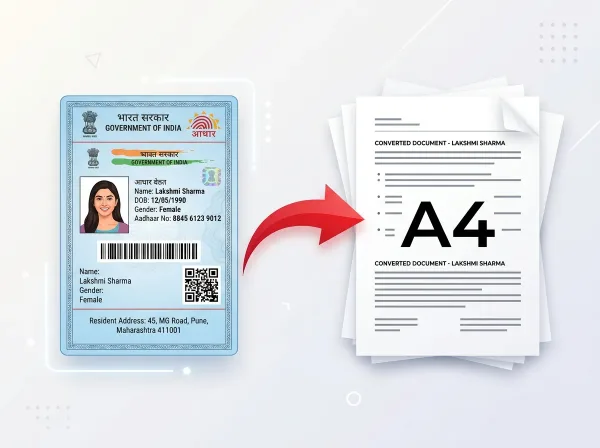 Try It NowReady to Print on A4Preserve Original SizeClean & Clear Output
- PDF Tools
- Card Tools
- Image Tools
- Convert Tools
- QR Tools
Free Image to
PDF Converter
Convert JPG, PNG and other images into high-quality PDF documents in seconds. Combine multiple images into a single PDF with custom page sizes and margins.
- No Sign Up Required
- Works on All Devices
- Your Files are Secure & Private
Files are encrypted and auto-deleted after processing
Powerful Features
Everything you need, right in your browser.
JPG to PDF
Convert JPEG photos to professional PDF documents with pixel-perfect accuracy.
PNG to PDF
Convert transparent PNG images to PDF with perfect quality preservation.
Multiple Images
Combine dozens of images into one organized multi-page PDF document.
Rearrange Pages
Drag and drop to reorder images before converting to set your page order.
A4 / Letter Size
Choose from standard page sizes or use fit-to-image for exact dimensions.
High Quality Output
Output PDF maintains your original image resolution without compression loss.
Instant Download
Get your converted PDF immediately — no email required, no waiting queue.
Always Free
No watermarks, no limits, no registration required. 100% free forever.
How to Image to PDF Online
Complete in 3 simple steps — no software download required.
Upload Images
Select one or multiple image files from your device.
Arrange Order
Drag images to set the page order in your PDF.
Convert to PDF
Click convert and we compile your images into a PDF.
Auto Delete
Files are securely deleted from our servers after download.
See It in Action
Our intuitive interface makes it effortless to image to pdf online. No learning curve required.
- Browser-based processing
- No software to install
- Works on any device
- Files auto-deleted after use
Why Use PixDok Image to PDF?
Built for reliability, speed, and privacy — zero compromises.
Fast & Easy
- Upload in seconds
- Instant processing
- One-click download
- No queue or waiting
Secure & Private
- Secure HTTPS connection
- Files auto-deleted
- No data stored
- Privacy-first design
Works Everywhere
- Windows, Mac & Linux
- iOS & Android ready
- All modern browsers
- No software needed
Your Privacy Comes First
We process your files securely in-memory. Files are automatically deleted after every session — we never store or sell your data.
Secure Connection
Side Processing
Installation Needed
File Deletion
How to Convert Images (JPG, PNG, WebP) to PDF with PixDok
Why PixDok Image to PDF is the Top Free Choice
Whether you have taken photos of handwritten lecture notes, scanned utility bills for a visa application, or captured receipts for business expense reimbursement, combining loose image files into a single PDF document makes them much easier to share and print. PixDok Image to PDF converts JPG, PNG, WebP, GIF, and BMP images into a clean, multi-page PDF in seconds. It is 100% free, requires no signup, and never adds watermarks.
Turn Phone Photos into Clean, Professional Documents
Sending multiple loose image files over email or messaging apps is messy, and files often get compressed or downloaded in the wrong order. With PixDok, you can upload all your photos at once, drag and drop them into the exact sequence you want, and compile them into a single, neat document. This is ideal for job applications, university coursework, legal submissions, and government portals that strictly require PDF files instead of image uploads.
Custom Page Sizing, Orientation & Margin Controls
Different projects require different formatting. PixDok gives you full control over how your images look on the page. You can choose standard paper sizes like A4 or US Letter, select Portrait or Landscape orientation, and customize margin spacing. Choose "No Margins" for full-bleed photo albums, or "Small Margins" for clean, ready-to-print official documents that won't get clipped by office printers.
Fast, Touch-Friendly & Private on Mobile and Desktop
You do not need to download third-party scanning apps that clutter your phone with ads. PixDok runs smoothly in any mobile or desktop browser. You can snap photos with your phone camera, upload them directly to PixDok, and create your PDF on the spot. All uploads are encrypted with HTTPS, processed in secure memory, and automatically deleted within 30 minutes, keeping your private photos safe.
Frequently Asked Questions
Latest Articles & Guides
Helpful tips, tutorials, and best practices from the PixDok team
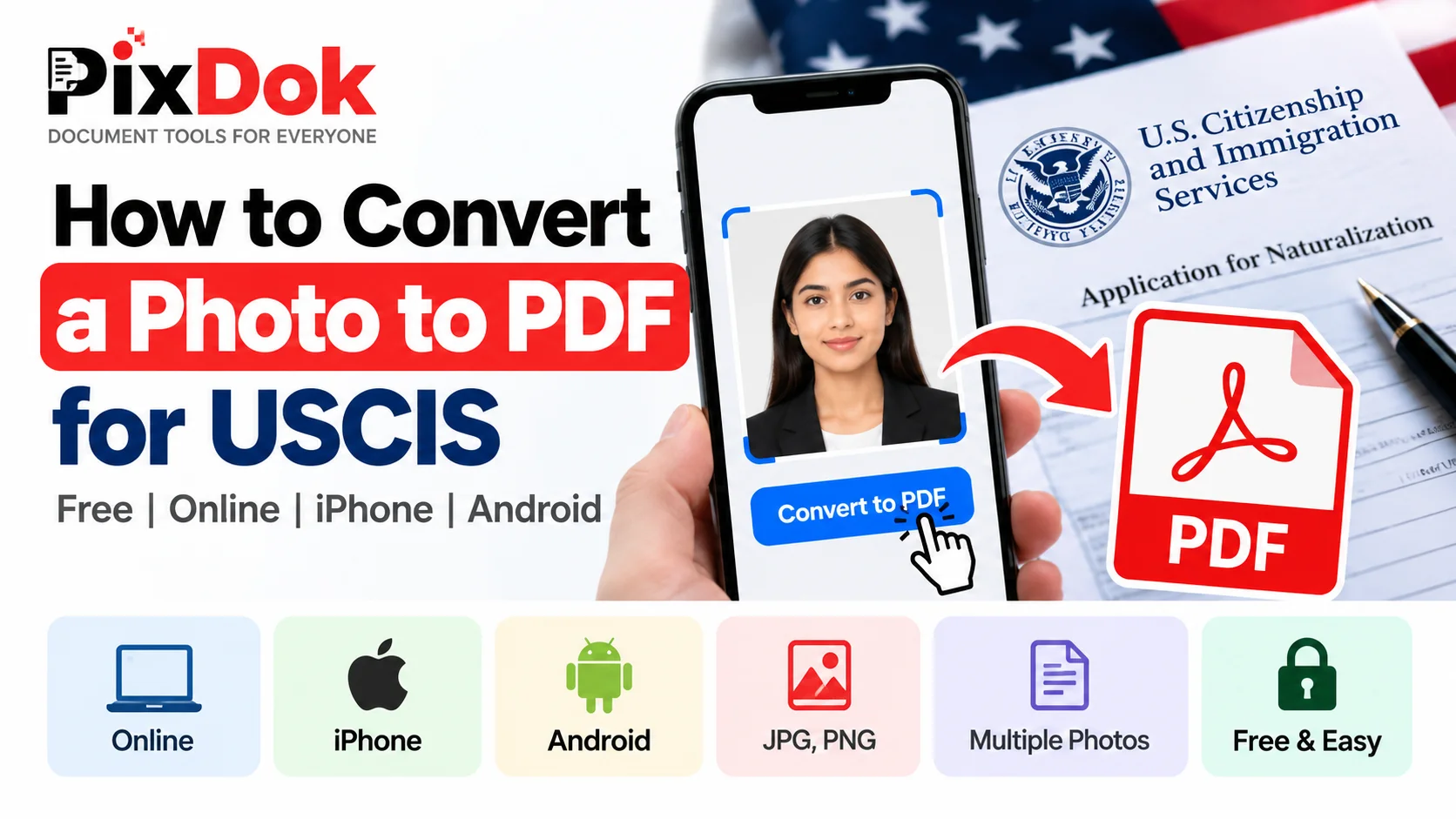
How to Convert a Photo to PDF for USCIS Free on Phone or Computer
Convert photos and mobile scans into USCIS-compliant PDF files for free on iPhone, Android, Windows, and Mac with exact size standards.

How to Convert HEIC to JPG Online Free (iPhone Photos)
Learn the easiest ways to convert iPhone HEIC photos to standard JPG format online for free without losing image quality.
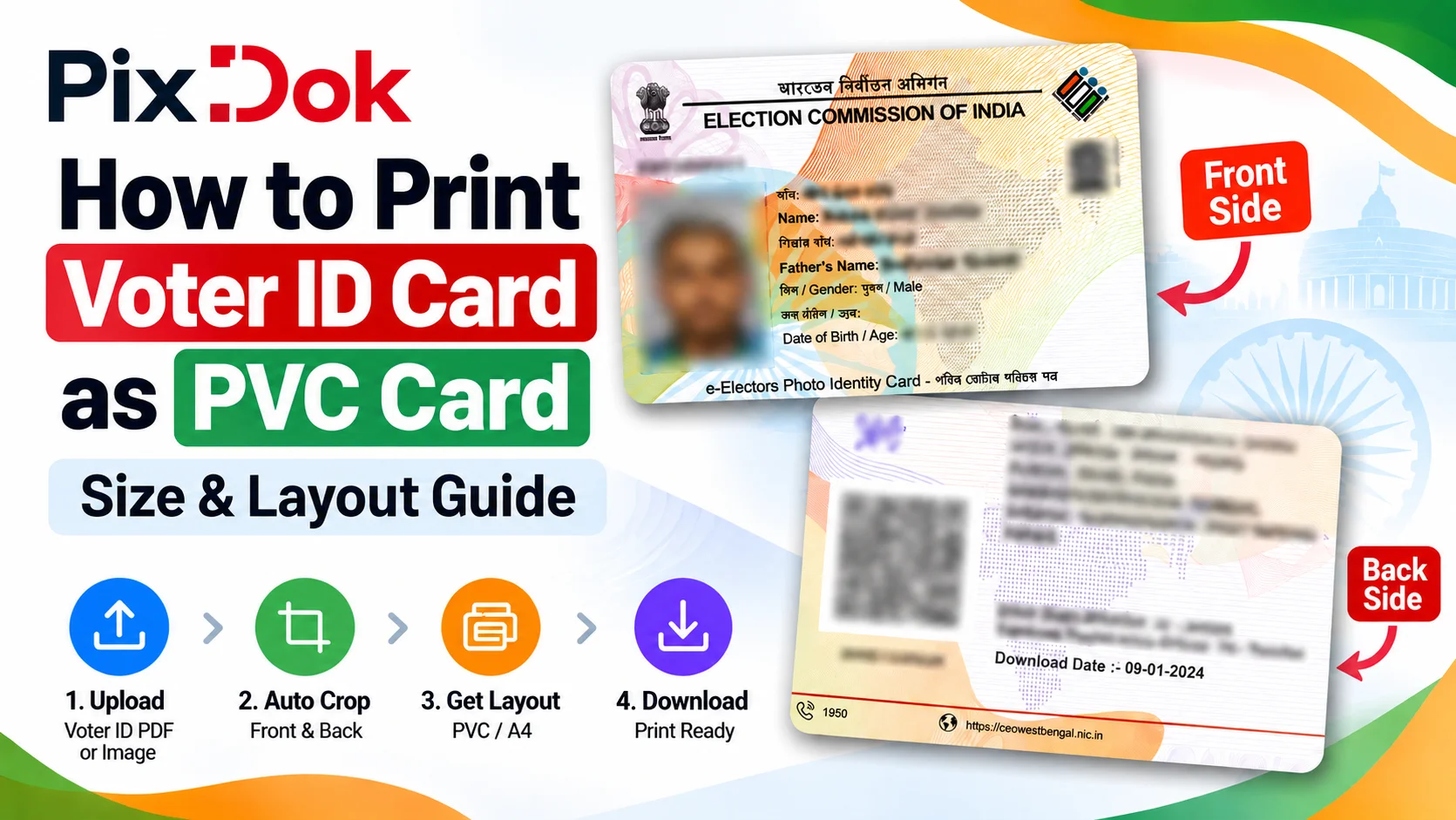
How to Print Voter ID Card as PVC Card: Size & Layout Guide
Step-by-step guide to crop, resize, and prepare your Voter ID card PDF for high-quality standard CR80 PVC card printing on A4 sheets.
Digital document operations comply with ISO 32000 specification standards for Portable Document Format architectures, maintaining cryptographic integrity and structural stream validity without unauthorized remote retention.— ISO 32000-1 Document Management Standards & PixDok Security Protocol