
- All Tools From this to this
in seconds!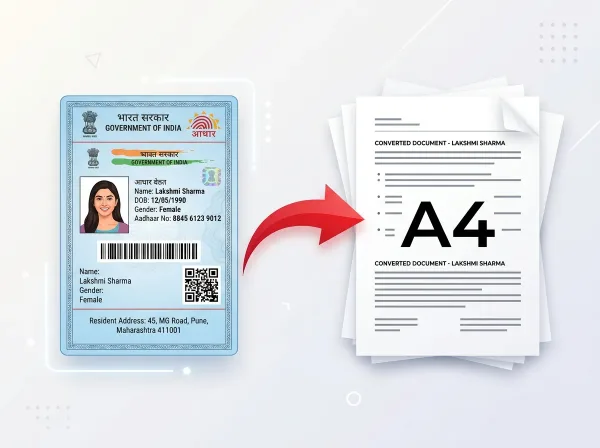 Try It NowReady to Print on A4Preserve Original SizeClean & Clear Output
- PDF Tools
- Card Tools
- Image Tools
- Convert Tools
- QR Tools
Remove PDF
Password Online
Unlock secure PDF documents in seconds. Enter the password once to permanently strip away access restrictions and enable editing, copying, and printing.
- No Sign Up Required
- Works on All Devices
- Your Files are Secure & Private
Files are encrypted and auto-deleted after processing
Powerful Features
Everything you need, right in your browser.
Instant Decryption
Instantly strip standard password locks and open permissions on secured files.
Fast Key Generation
Our engine unlocks documents in seconds with no wait queues.
Enable Printing
Permanently remove Print Restrictions to produce high-resolution paper prints.
Allow Text Copying
Allows you to select and copy document text, tables, and images.
Unlock Form Controls
Instantly fill interactive forms, add annotations, or apply digital signatures.
Browser Based Utility
Requires no software setups or extensions. Fully functional online.
Always Free to Use
Enjoy complete password removing features with no subscription requirements.
Secure Handling
Files are processed in memory and purged immediately after processing.
How to PDF Password Remover Online
Complete in 3 simple steps — no software download required.
Upload PDF
Drag and drop or select your password-protected PDF.
Verify Access
Enter the password to authorize key stream decryption.
Unlock File
We systematically remove security headers and restrictions.
Download Open PDF
Save your fully unlocked PDF with zero security barriers.
See It in Action
Our intuitive interface makes it effortless to pdf password remover online. No learning curve required.
- Browser-based processing
- No software to install
- Works on any device
- Files auto-deleted after use
Why Use PixDok PDF Password Remover?
Built for reliability, speed, and privacy — zero compromises.
Fast & Easy
- Upload in seconds
- Instant processing
- One-click download
- No queue or waiting
Secure & Private
- Secure HTTPS connection
- Files auto-deleted
- No data stored
- Privacy-first design
Works Everywhere
- Windows, Mac & Linux
- iOS & Android ready
- All modern browsers
- No software needed
Your Privacy Comes First
We process your files securely in-memory. Files are automatically deleted after every session — we never store or sell your data.
Secure Connection
Server Processing
Installation Needed
File Deletion
How to Unlock PDF Files and Remove Password Restrictions with PixDok
Easily Unlock Your PDF Documents with PixDok
Have you ever downloaded your own bank statement, tax filing, or pay slip, only to find that you cannot print it, copy text from it, or edit a single field? Document permissions locks can be incredibly frustrating when you need to get work done. PixDok PDF Password Remover is designed to unlock your files quickly and safely. It strips away annoying restrictions on printing, copying, and form filling so you can use your documents freely.
The Difference Between Open Passwords and Permission Locks
PDF files generally use two types of protection. A Permission Password (Owner Password) restricts actions like printing and text copying, but lets you view the document without asking for a password. PixDok can unlock permission-restricted documents instantly. An Open Password (User Password), on the other hand, scrambles the file so no one can see it without entering the key. If your file has an Open Password, simply enter the password once in PixDok, and our tool will permanently decrypt it so you never have to re-enter the password again.
Enjoy Full Freedom Over Your Documents
Once PixDok unlocks your PDF, you regain complete control. You can print physical copies on any printer, copy and paste text notes into your research documents, add digital signatures, fill out interactive forms, or combine the file with other documents using our Merge PDF tool. Your unlocked document works like any normal, standard PDF across all devices and software.
Private, Secure & Zero Document Retention
We respect your confidentiality. Decrypting personal financial records, salary slips, or legal papers requires absolute privacy. PixDok operates on a strict zero-knowledge architecture. All file transfers use encrypted HTTPS connections, files are processed in private temporary memory, and all data is permanently purged within 30 minutes. We never store, log, or track your files or passwords.
Frequently Asked Questions
Latest Articles & Guides
Helpful tips, tutorials, and best practices from the PixDok team
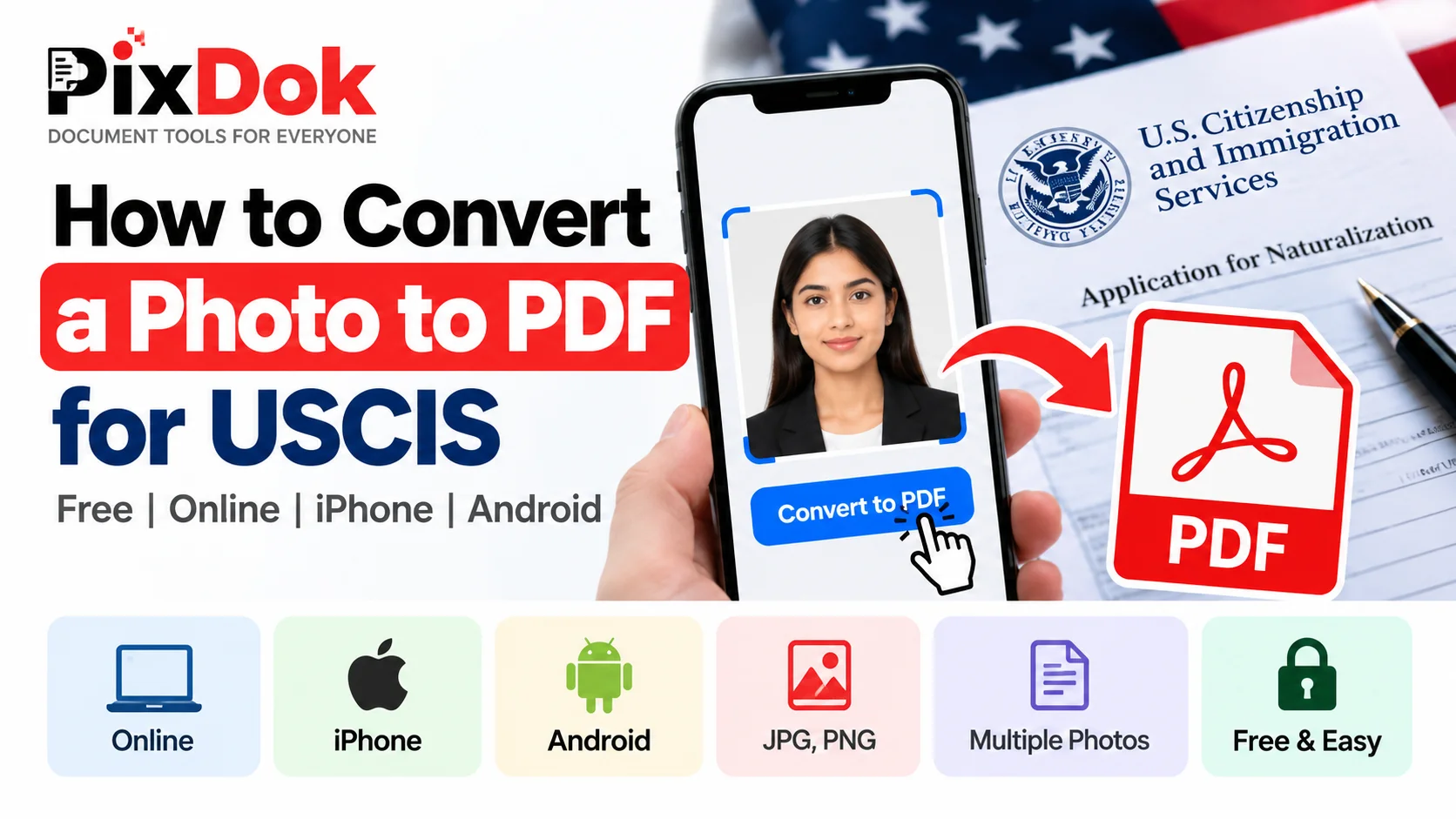
How to Convert a Photo to PDF for USCIS Free on Phone or Computer
Convert photos and mobile scans into USCIS-compliant PDF files for free on iPhone, Android, Windows, and Mac with exact size standards.

How to Convert HEIC to JPG Online Free (iPhone Photos)
Learn the easiest ways to convert iPhone HEIC photos to standard JPG format online for free without losing image quality.
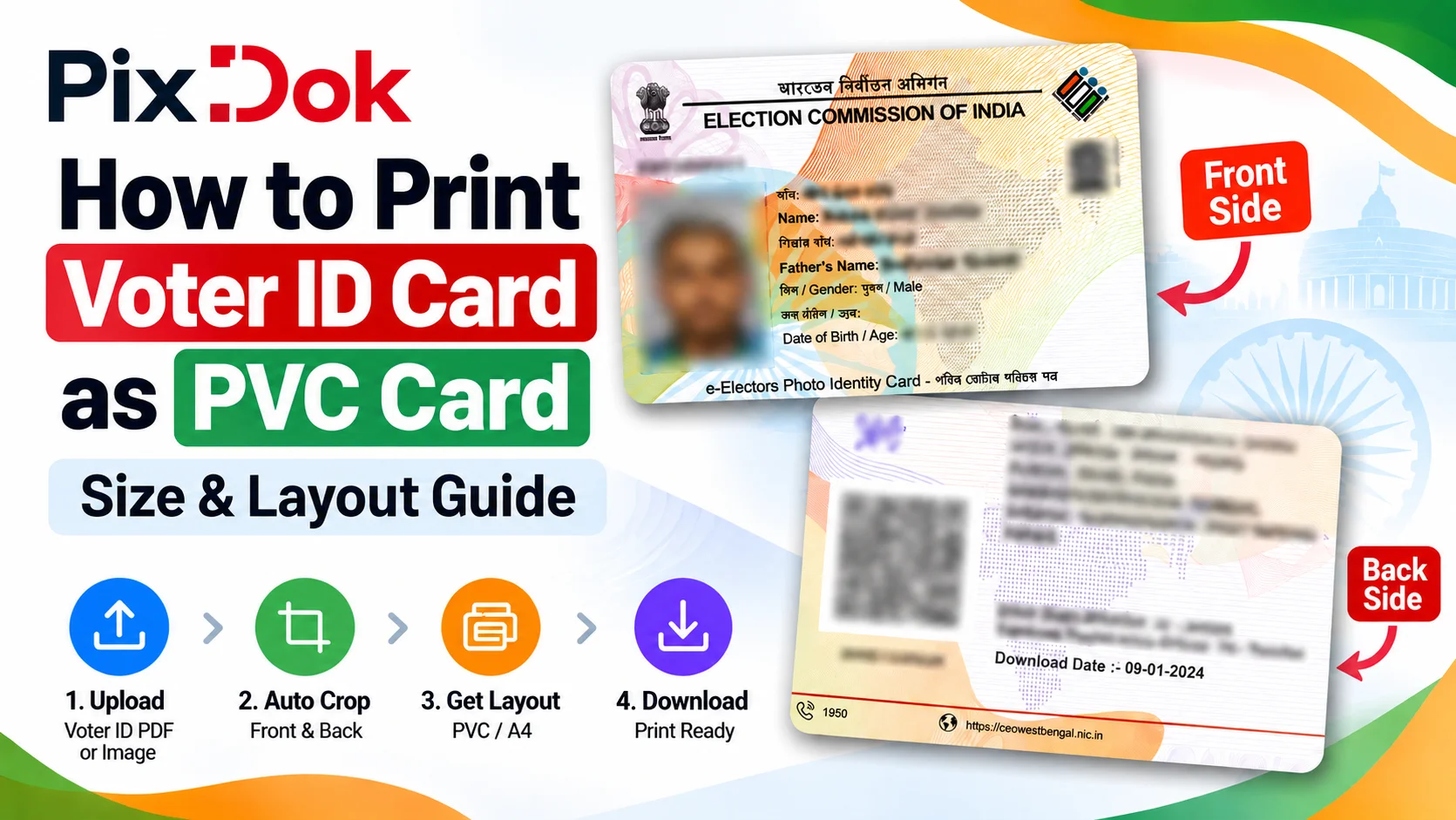
How to Print Voter ID Card as PVC Card: Size & Layout Guide
Step-by-step guide to crop, resize, and prepare your Voter ID card PDF for high-quality standard CR80 PVC card printing on A4 sheets.
Digital document operations comply with ISO 32000 specification standards for Portable Document Format architectures, maintaining cryptographic integrity and structural stream validity without unauthorized remote retention.— ISO 32000-1 Document Management Standards & PixDok Security Protocol