
-
All Tools
From this to this
in seconds!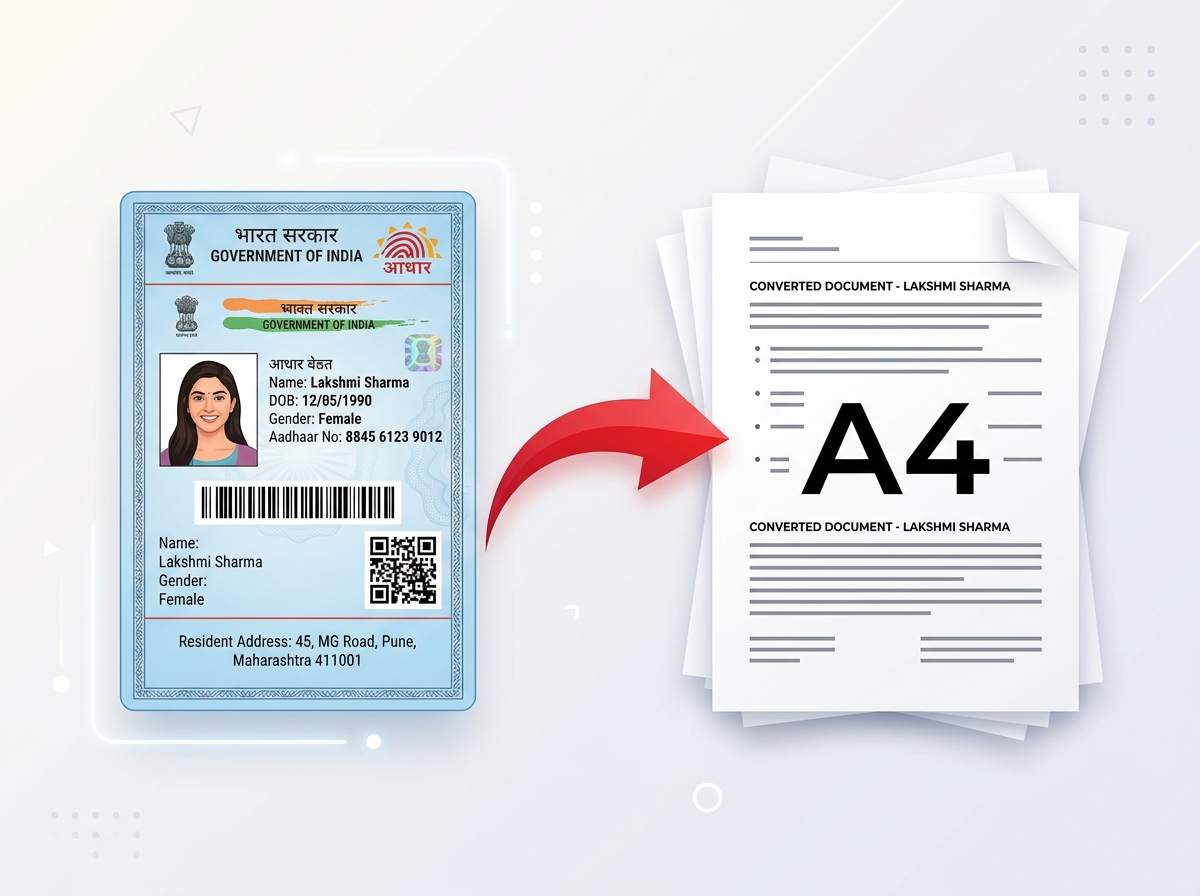 Try It NowReady to Print on A4Preserve Original SizeClean & Clear Output
 - PDF Tools
- Card Tools
- Image Tools
- Convert Tools
- QR Tools
Crop your ration card PDF online with PixDok. Upload your digital ration card PDF, crop the required card sections, preview the result, and prepare it for printing without Photoshop or complicated software. Since our tool supports front and back extraction, you can prepare the front and back portions of the ration card separately.
Upload your Ration Card PDF on the left, enter the password if required, and click "Convert to PVC Card" to view the generated front and back layout.
Extract front and back card layouts automatically from official A4 PDF formats.
Files are parsed completely in-memory and immediately cleaned up after extraction.
Optimized with proper card proportions to output onto CR80 PVC sheets.
A ration card PDF downloaded from an official portal may not always be ready to print in the exact layout you need. You may want to crop the card area, separate the front and back sections, or prepare the document before sending it to a printer.
PixDok's Ration Card PDF Cropper helps you prepare your ration card PDF online without requiring Photoshop or desktop PDF-editing software. Upload your PDF, crop the required area, preview the result, and download the prepared file in the format supported by the tool.
For West Bengal users, this can be useful when working with a downloaded e-Ration Card PDF that needs to be prepared for printing.
Easily select the relevant card boundaries of your digital ration card PDF layout in your browser.
Separate front and back portions of the ration card layout with custom horizontal and vertical coordinates.
View the generated layout inside the dynamic preview frame to ensure all details align perfectly.
Instantly download high-quality crop results formatted on a print-ready document sheet.
Format your card to standard sizes ready for high-resolution card stock or paper printing.
Use the tool directly in a web browser on Android, iOS, Windows, or Mac without installing apps.
Download your digital/e-Ration Card PDF from the appropriate official government portal.
Navigate to the PixDok Ration Card PDF Cropper page in your preferred browser.
Select your ration card PDF from your phone, tablet, or computer, or drag and drop the file directly.
Use the manual crop sliders at the top of the preview panel to customize the alignment boundaries for both the front and back portions of the card separately.
Check that the entire ration card area is visible and that important text, QR codes, photographs, and card details have not been accidentally cut off.
Download the cropped output sheet generated by PixDok in your browser.
Open the downloaded file and print it using the required paper size and print settings.
West Bengal provides digital/e-Ration Cards in PDF format through its Food & Supplies system. If you have already downloaded your e-Ration Card PDF and need to prepare it for printing, PixDok can be used to crop the document and prepare the relevant card area.
The West Bengal government's e-Ration Card guidelines explain that approved beneficiaries can receive a link to download their e-Ration Card as a PDF, and family members' e-RCs can also be accessed and downloaded. Always obtain the original card from the appropriate official government service before using a third-party tool to process it.
A downloaded ration card PDF may contain additional page space or document margins around the card. Cropping can help prepare the relevant card area before printing.
Digital card PDFs typically contain both front and back sections on a single document sheet. To separate and print these sections cleanly, you can follow this manual workflow on PixDok:
You do not need Photoshop just to crop a ration card PDF. An online PDF cropper can be more convenient when you only need to remove unwanted page space or prepare a specific card area for printing.
PixDok lets you perform the supported cropping steps directly in your browser, so you can work from a phone, tablet, or computer without installing traditional image-editing software. If you need to combine files first, you can use our tool to merge PDF files before cropping them.
Yes, if your device and browser support the PDF upload and processing features of PixDok. You can open the Ration Card PDF Cropper from a mobile browser, select the PDF from your device, crop the required area, preview the result, and download the processed file.
For best results, use the original PDF rather than a screenshot or compressed image. The layout controls are responsive, so range sliders adapt seamlessly to touch screen gestures.
PixDok offers this free ration card PDF cropper online. The tool is available directly in your web browser, allowing you to crop a ration card PDF without downloading software or registering.
Unlike heavy desktop editors, our utility focuses exclusively on document extraction. If you need to scale images first, you can check out the crop images utility, or compress PDF to optimize file sizes prior to processing.
Check that the file is a valid PDF document and is within the tool's 8MB file-size limit.
Adjust the crop coordinates with the sliders to ensure all card edges, names, and photos are included.
Check your local printer's page scaling configurations. Avoid checking "Fit to Page" as it can alter the print dimensions.
Do not crop too closely around the card borders. Keep all secure details inside the selected slider values.
Ensure you are viewing and cropping the page that contains the card sections you actually need.
Upload your ration card PDF, crop the required area, preview the result, and prepare your document for printing with PixDok.