
-
All Tools
From this to this
in seconds!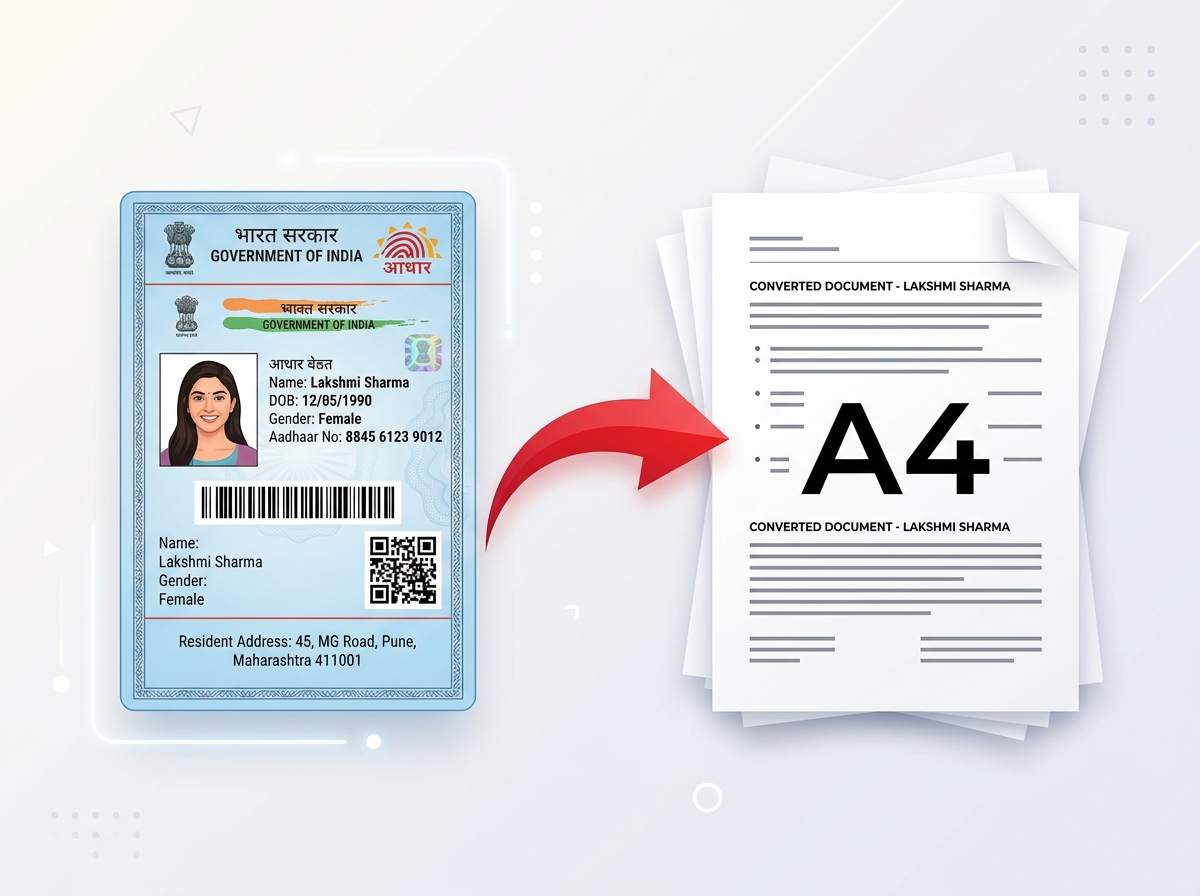 Try It NowReady to Print on A4Preserve Original SizeClean & Clear Output
 - PDF Tools
- Card Tools
- Image Tools
- Convert Tools
- QR Tools
Turn tilted, poorly lit, or messy document photos into clean, clear and print-ready files. Perfect for ID cards, Aadhaar, PAN cards, certificates, forms and more.
Save time on everyday document work with a simple browser-based tool designed for CSC centres, cyber cafes, printing shops, online service centres, offices and personal use.
A document photo doesn't always come out perfect. It can be tilted, poorly lit, too small, or captured with an unwanted background.
PixDok Document Fixer helps you quickly correct the image, crop, enhance the clarity and prepare it for printing on A4 paper — without complicated software.
Especially useful for CSC centres, cyber cafes, printing shops, online service centres and office users who handle ID cards and documents every day.
Find quick answers about PixDok Document Fixer, document photo correction, ID card printing, and A4 document preparation.
Yes. PixDok Document Fixer is free to use. You can upload a document photo, fix and prepare it for printing without installing complicated editing software.
Upload your document photo to PixDok Document Fixer or drag and drop the file into the upload area. The tool can help straighten, crop, enhance and prepare your document for printing. You can preview the result before downloading it.
Yes. Document Fixer can be used to prepare photos of Aadhaar cards, PAN cards, voter ID cards, driving licences and other ID cards. You can correct the framing, improve clarity and prepare the document for printing.
Yes. Document Fixer can prepare ID cards for A4 printing. You can arrange the front and back sides of an ID card on an A4 page and prepare the output for printing at the required size.
Yes. Document Fixer can correct tilted and poorly framed document photos. Its perspective correction helps align the document so it appears straight and properly positioned.
You can use Document Fixer to improve the appearance of poorly lit document photos by adjusting brightness, contrast and image clarity. This can make text and document details easier to read and prepare the image for printing.
Yes. You can arrange the front and back sides of an ID card on the same A4 page. Depending on the available layout options, the sides can be positioned vertically or horizontally for easier printing.
Document Fixer supports common document and image formats including JPG, PNG, WebP, HEIC and PDF. The maximum upload size is shown in the upload section and may vary depending on the tool configuration.
No. PixDok Document Fixer processes your files directly in your web browser. Your document files are not uploaded to PixDok servers for processing and are not stored on our servers. Your files remain on your device while you use the tool, giving you a private way to fix and prepare documents for printing.
Yes. Document Fixer is designed to work in a modern web browser on smartphones, tablets, laptops and desktop computers. No separate software installation is required.
Yes. Document Fixer can be useful for CSC centres, cyber cafes, printing shops, photocopy shops and online service centres that regularly prepare ID cards, certificates, forms and other documents for customers.
Yes. Document Fixer can be used to clean up, crop, straighten and prepare many types of document photos, including certificates, forms, income certificates and other printable documents.
Yes. You can use Document Fixer to prepare different types of ID-card images for printing. The tool can help with cropping, alignment, image enhancement and arranging documents on an A4 page.
No. Document Fixer works through your web browser, so you don't need to install desktop editing software or a separate application.
Yes. The simple upload and preparation workflow makes Document Fixer suitable for users who process documents regularly, including CSC centres, cyber cafes, printing shops and online service centres.