
Introduction
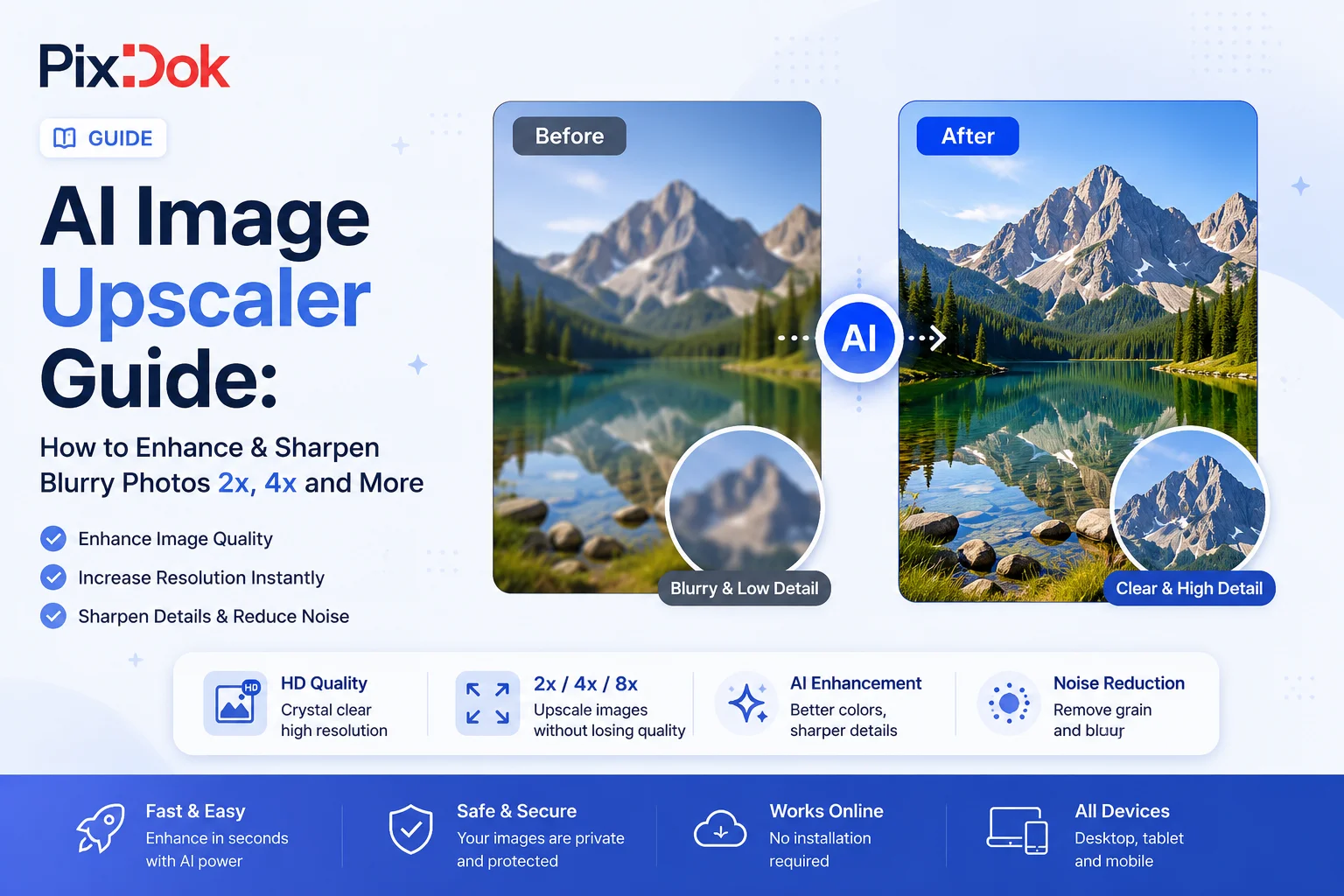
Encountering blurry, pixelated, or low-resolution images is a common challenge in digital photography, print graphics, and web design. Traditional photo editors resize images using standard bicubic interpolation, which simply stretches pixels and results in blurry, soft edges. Today, you can upscale and sharpen blurry photos 2x using our AI Image Upscaler without losing detail.
Process your files with studio quality in your browser with zero registration required.
Try PixDok Tool NowWhat is Neural Super-Resolution AI?
Neural Super-Resolution leverages deep learning architectures like Real-ESRGAN and GFPGAN. These artificial intelligence models have been trained on millions of high-resolution images. When processing a blurry image, the AI recognizes underlying structures such as facial features, eyes, hair strands, text edges, and fabric weaves and mathematically calculates and generates missing detail pixels.
Key Advantages of AI Photo Upscaling
- 200% Resolution Increase: Doubles width and height pixels cleanly without artificial distortion.
- Facial Trait Recovery: Dedicated face restoration modules reconstruct natural eyes, lips, and skin micro-textures on pixelated portraits.
- Compression Artifact Removal: Cleans up harsh digital noise and blocky JPEG compression artifacts.
- Print Readiness: Prepares web images for high-DPI print projects, passport photos, and large poster displays. You can easily crop upscaled images with our Crop Image Tool.
Step-by-Step Guide to Enhance Blurry Photos
- Step 1: Upload Your Image: Drag and drop your low-res image into the AI Image Upscaler workspace.
- Step 2: Select Profile: Choose between "Portrait / Face" or "Document / Text" profile mode.
- Step 3: Click Enhance Photo: Our neural network restores detail and upscales resolution by 200%.
- Step 4: Compare & Download: Use the interactive split slider to compare original vs enhanced quality, then download your full-resolution image.
Frequently Asked Questions
What is the maximum upscale resolution?
Our tool performs a clean 2x (200%) super-resolution upscale, which preserves natural textures without producing fake painterly artifacts.
Can I upscale passport photos and ID cards?
Yes! It is perfect for enhancing blurry headshots before creating official prints using our Passport Photo Maker.
Conclusion
AI Super-Resolution technology enables anyone to restore blurry photos instantly in their browser. Enhance your photos today with PixDok's free AI photo upscaler!