
Executive Summary
Quick Response (QR) codes have permanently reshaped how brands, businesses, and individuals bridge physical interactions with digital destinations. A single scan from a smartphone camera instantly routes users to website landing pages, WiFi networks, digital business cards, or downloadable documents.
Creating a fully customized, high-resolution QR code does not require specialized design software or subscription fees. This guide covers the primary use cases for QR codes, a step-by-step creation tutorial, and best practices for scannability and visual customization.
Process your files with studio quality in your browser with zero registration required.
Try PixDok Tool NowWhy Custom QR Codes are Essential for Modern Marketing
Static printed collateral such as physical flyers, restaurant menus, product packaging, and event banners often suffers from low conversion tracking and dynamic limitations. Integrating custom QR codes transforms static prints into interactive portals, delivering key advantages:
-
Zero-Friction User Experience: Eliminates manual typing of long, complex URLs or network security keys.
-
Trackable Engagement: Allows marketers to analyze scan volume, user location data, and campaign performance.
-
Versatile Content Delivery: Serves diverse payload types from simple plaintext and contact files to live multi-page PDFs.
Top Real-World Applications for QR Codes
[ User Scans Code ] ──► [ Smartphone Processing ] ──► ┬─ Website Landing Page
                                                       ├─ Instant WiFi Access
                                                       ├─ Contact Save (vCard)
                                                       └─ Interactive PDF Catalog
1. Directing Traffic to Website URLs
Drive foot traffic from posters, print advertisements, or direct mail campaigns directly to high-converting landing pages, e-commerce promotions, or official social media channels.
2. Seamless One-Tap WiFi Access
Simplify guest onboarding in offices, cafes, and residential spaces. Scanning a WiFi-configured QR code automatically authorizes the smartphone and connects to the network—no manual WPA2/WPA3 password entry required.
3. Digital Business Cards (vCard Integration)
Modernize networking by embedding your full contact profile including phone numbers, professional email addresses, job titles, and office locations into a single scannable code that saves directly into the recipient's phonebook.
4. Interactive PDF & Document Distribution
Distribute digital restaurant menus, event schedules, whitepapers, or comprehensive product instruction manuals instantly.
💡 Pro-Tip: If you are linking your QR code to a large digital menu or manual, optimize loading speeds for mobile users by running your file through our Compress PDF Tool before publishing online.
Step-by-Step Guide: How to Create a Custom QR Code
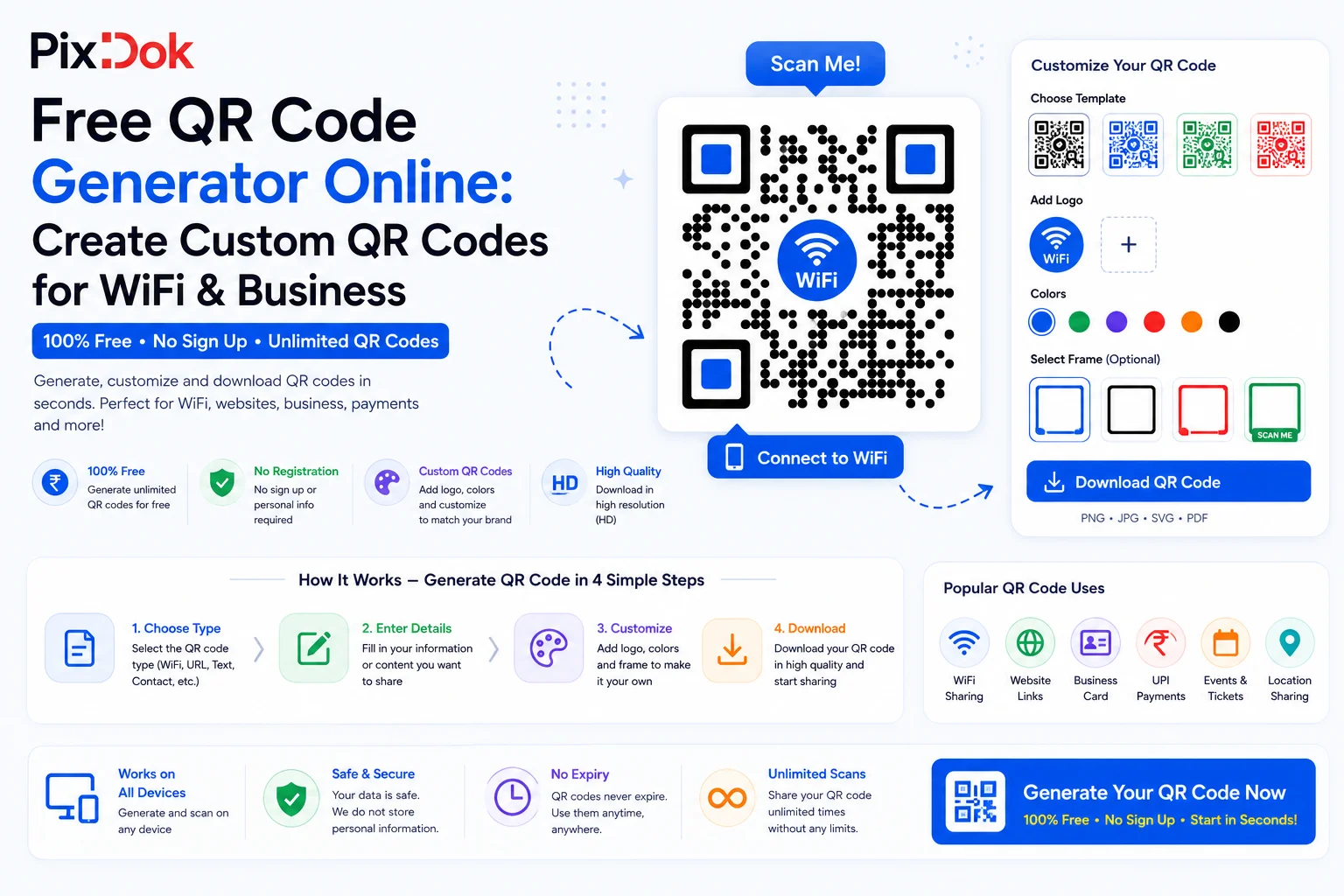
Building custom, vector-sharp QR codes with the PixDok Free QR Code Generator takes less than a minute. Follow these four simple steps:
Step 1: Select Your QR Code Type
Navigate to the PixDok QR Code Generator and choose the data type appropriate for your campaign:
-
Website URL
-
WiFi Credentials
-
vCard Contact
-
Plain Text
Step 2: Input Your Data
Enter your target URL, network SSID/password, or contact details into the provided fields. Double-check for accuracy to ensure your code scans reliably.
Step 3: Customize Style & Brand Aesthetics
Personalize your QR code to match your brand identity. Adjust the foreground and background colors, customize corner eye styles, and pick frame designs that encourage user engagement. Always maintain high contrast (e.g., dark foreground on a light background) for optimal camera readability.
Step 4: Export High-Resolution Assets
Select your preferred export format and download your file:
-
PNG: Ideal for web displays, email signatures, and standard office printing.
-
SVG (Vector): Perfect for high-resolution commercial printing, large billboard graphics, and professional graphic design software.
Best Practices for QR Code Design & Deployment
| Design Element | Recommended Best Practice | Avoid |
| Color Contrast | Dark foreground modules over a clean white/light background | Inverted light-on-dark colors or low-contrast pastels |
| Sizing | Minimum 2 cm × 2 cm ($0.8\text{ in} \times 0.8\text{ in}$) for close-up scanning | Printing codes too small for standard smartphone focus |
| Call-to-Action (CTA) | Include clear text prompts like "Scan to View Menu" | Leaving the code unlabelled with no context |
| Testing | Test-scan across multiple iOS and Android devices prior to mass printing | Printing thousands of copies without initial scanning verification |
Conclusion
Whether you need a quick WiFi access card for your guest room or a custom-branded vector code for a national marketing campaign, generating clean, professional QR codes takes only seconds.
Boost engagement and connect with your audience effortlessly try the PixDok Free QR Code Generator today!